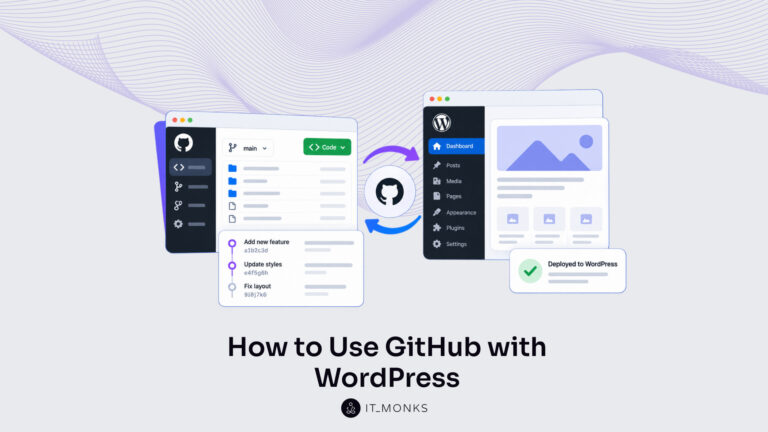
How to Use GitHub with WordPress
Learn how to use GitHub with WordPress: install Git, add a .gitignore and push theme and plugin files to a repository. Then deploy each change to the live site.
Resources
Step-by-step guides to building, running and maintaining WordPress sites.
Learn how to use GitHub with WordPress: install Git, add a .gitignore and push theme and plugin files to a repository. Then deploy each change to the live site.
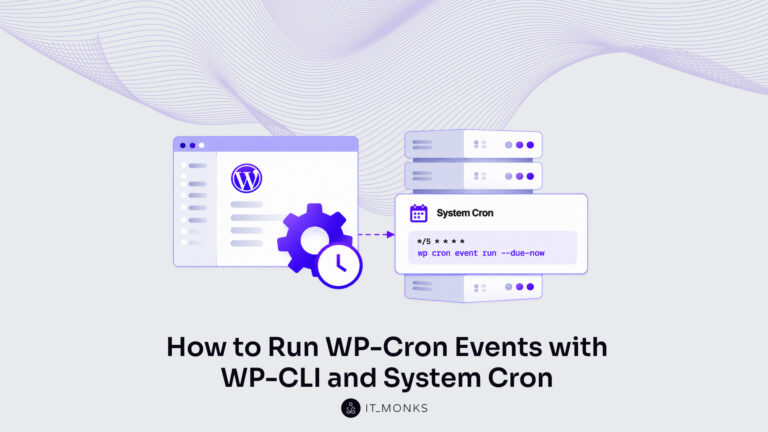
Run WP-Cron events with WP-CLI: wp cron event run for one hook or every due event with –due-now. Repeat the call from a system cron entry, then list the queue.
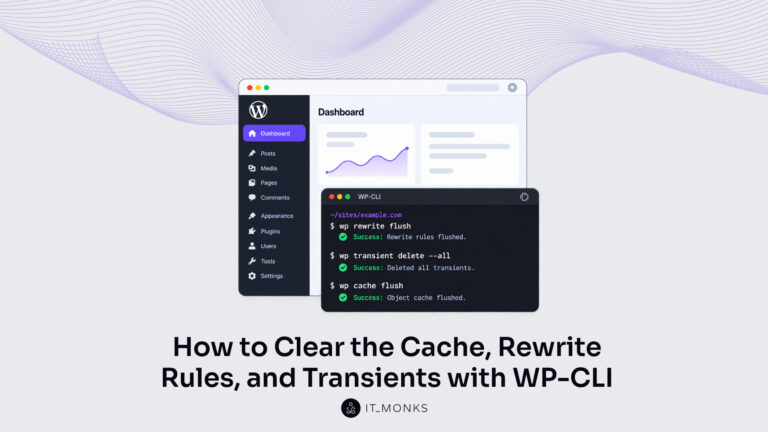
Clear the WordPress cache with WP-CLI: wp cache flush for the object cache, wp transient delete –all for transients. Flush rewrite rules with wp rewrite flush.
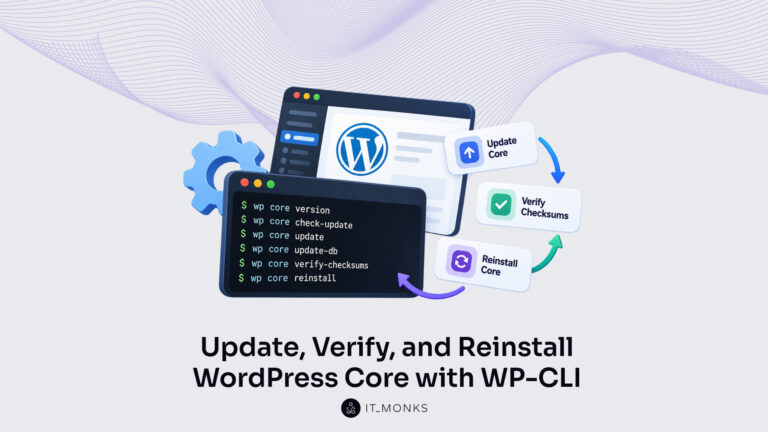
Update WordPress core with WP-CLI: read the installed version, run wp core update and update-db, reinstall core files, then verify core and plugin checksums.
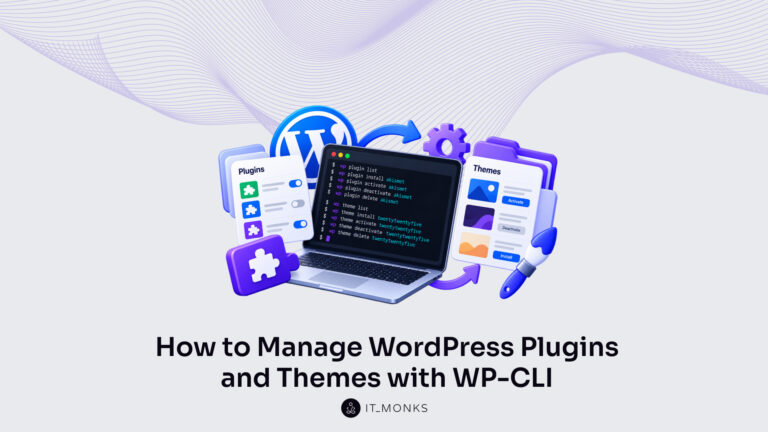
Manage WordPress plugins with WP-CLI: list them, install and activate, check for updates, update one or all, and deactivate. Then switch the active theme.
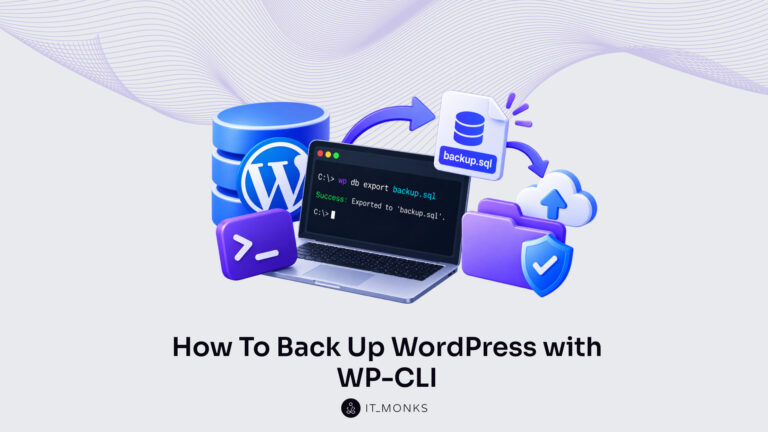
Back up WordPress with WP-CLI: export the database with wp db export, archive the files with tar, and copy both offsite. Restore them with wp db import.
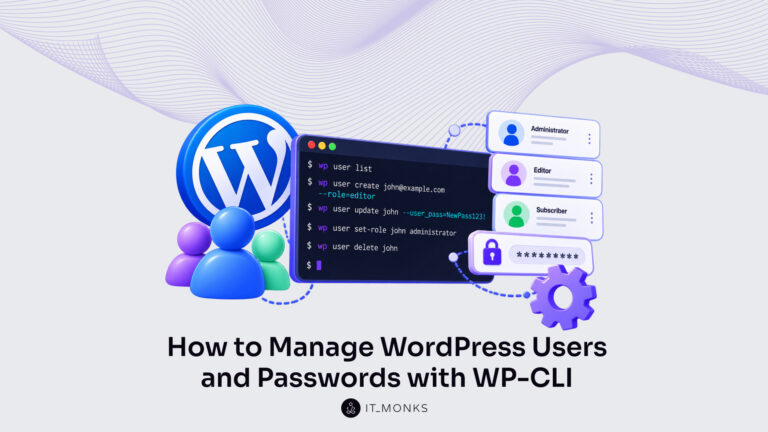
Manage WordPress users with WP-CLI: list, create and delete accounts, set roles and grant super admin. Change a password with wp user update –user_pass.
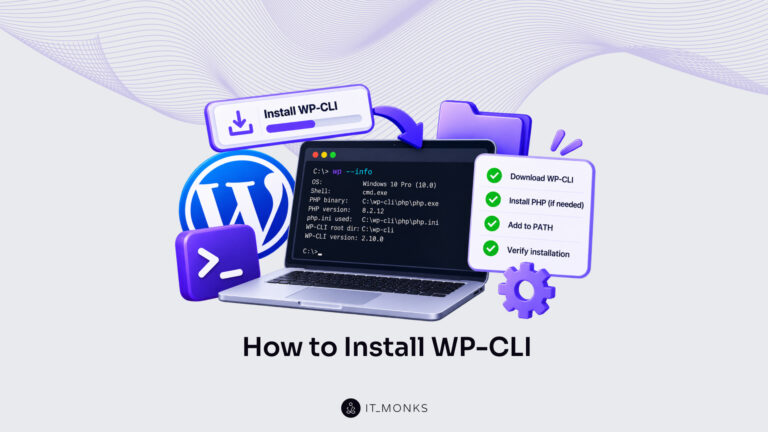
Install WP-CLI on Linux, Windows, macOS or Ubuntu: check PHP, download the Phar build and put wp on your PATH. Then confirm it with wp –info and update it.
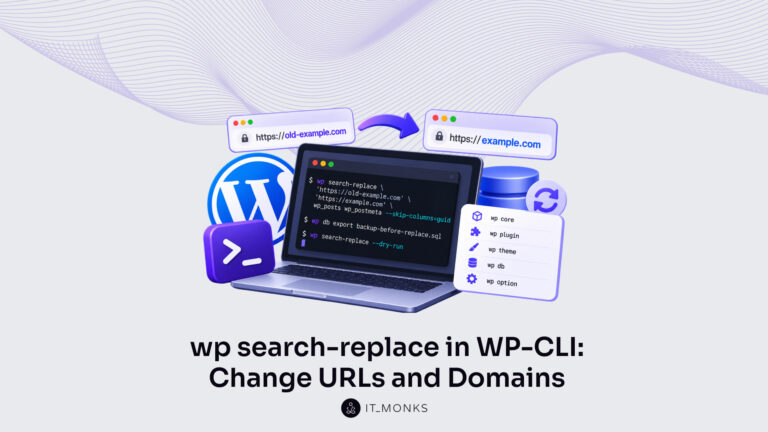
Use the WP-CLI wp search-replace command to change URLs and domains in WordPress. Covers syntax, –dry-run, the guid column, multisite and serialized data.