How to Build AJAX Forms, Pagination, and Search in WordPress
Build an AJAX form in WordPress, numbered and infinite-scroll pagination, and live search. Custom code sends each request to admin-ajax.php without a plugin.
Resources
Step-by-step guides to building, running and maintaining WordPress sites.
Build an AJAX form in WordPress, numbered and infinite-scroll pagination, and live search. Custom code sends each request to admin-ajax.php without a plugin.
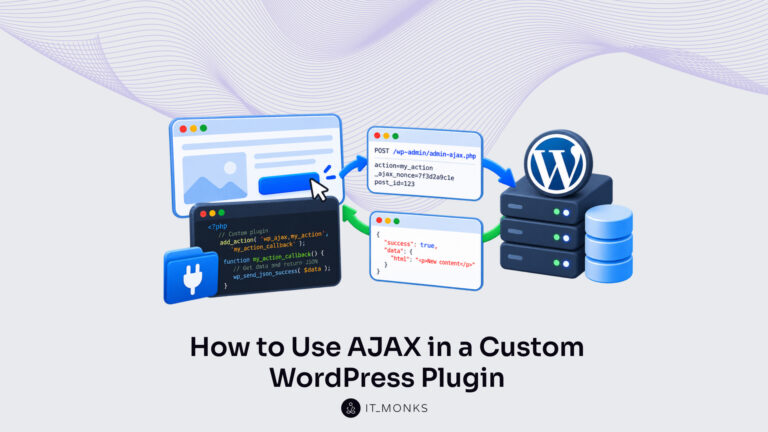
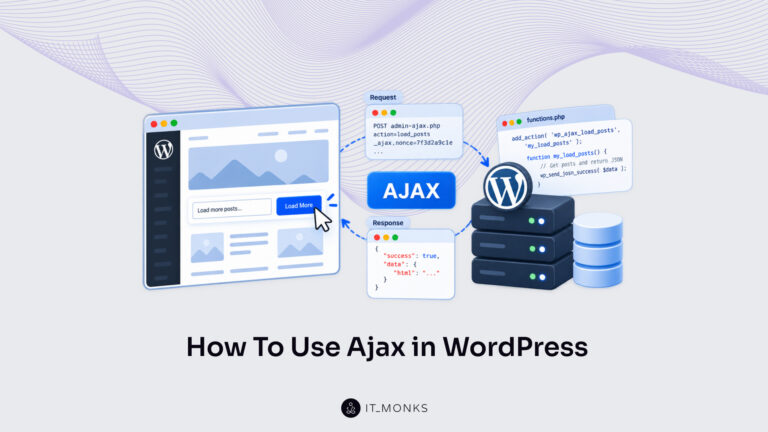
Use AJAX in a WordPress plugin step by step. Enqueue the script, localize the admin-ajax.php URL and nonce, and register wp_ajax_ handlers that return JSON.
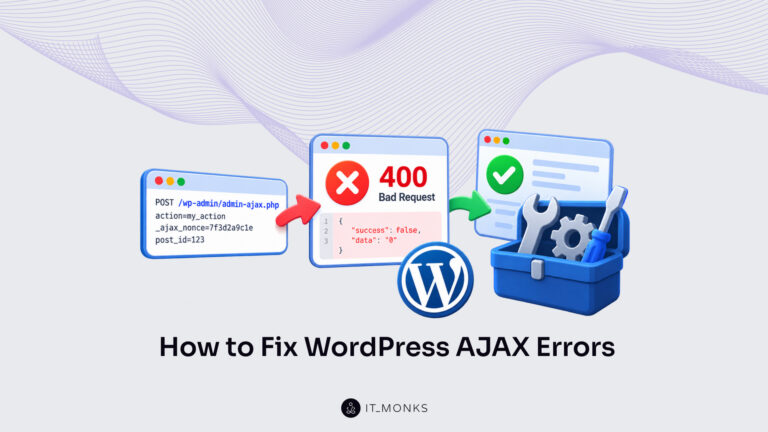
WordPress AJAX not working? Read the status code and body of the failed admin-ajax.php request, then fix the 400 Bad Request, invalid nonce or JSON error.
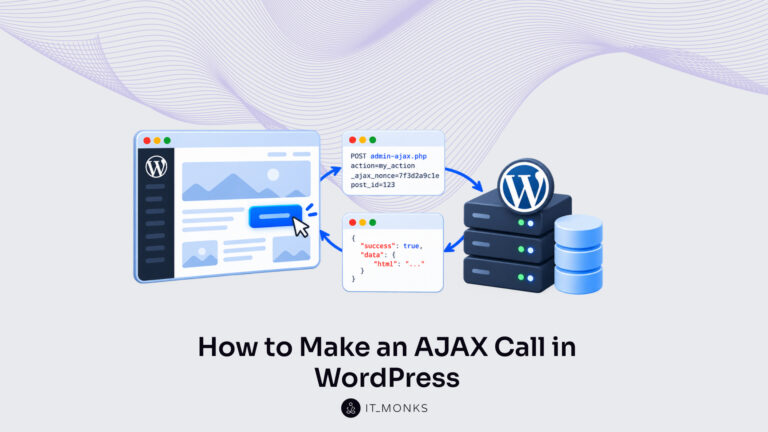
A WordPress AJAX call sends request data from a page script to admin-ajax.php. Pass the AJAX URL, POST with jQuery.ajax() or fetch(), and handle the reply.
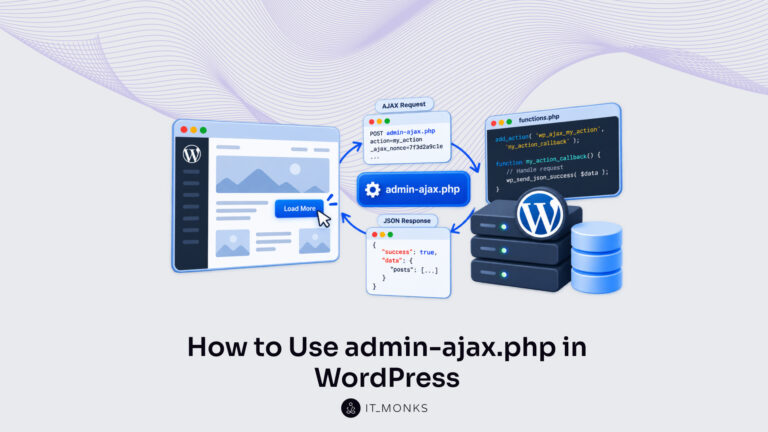
Use admin-ajax.php in WordPress: add a handler on the wp_ajax_ hook that a request's action value fires. Covers logged-out users, core actions and DOING_AJAX.
Use AJAX in WordPress through one admin-ajax.php exchange: enqueue the script, pass it the URL and a nonce, and send the call. Handle it in PHP and return JSON.
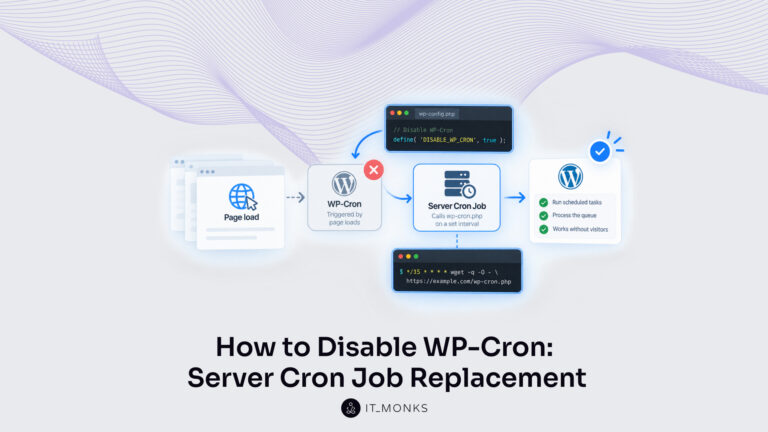
Disable WordPress cron once a server cron job calls wp-cron.php on a set interval. Covers the traffic signal, the crontab and cPanel entries, and the check.
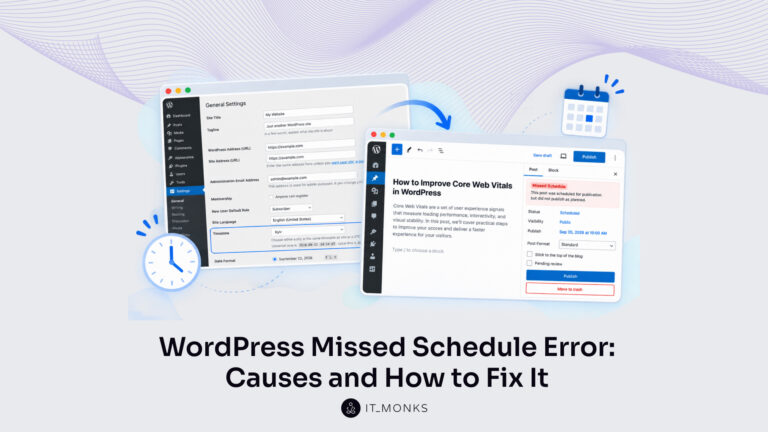
A WordPress missed schedule error leaves a post stuck when WP-Cron does not run at its scheduled time. Work each cause, then confirm a scheduled post publishes.
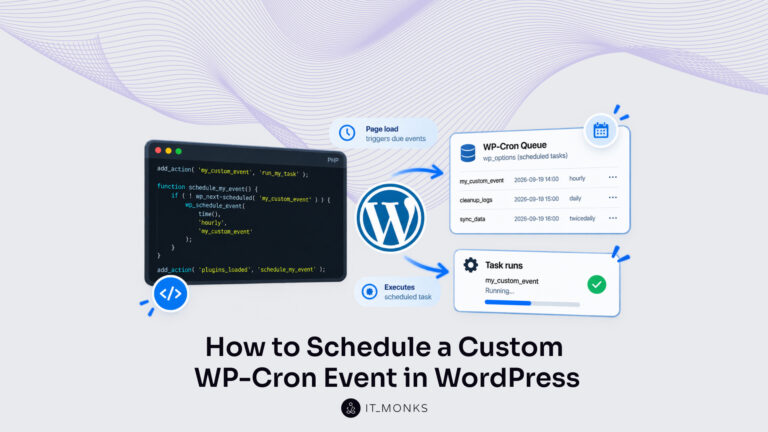
Schedule a custom WordPress cron job in plugin code: action hook, wp_schedule_event(), and the already-scheduled check. Remove it at the deactivation hook.