How to Register a Custom Taxonomy in WordPress Step by Step
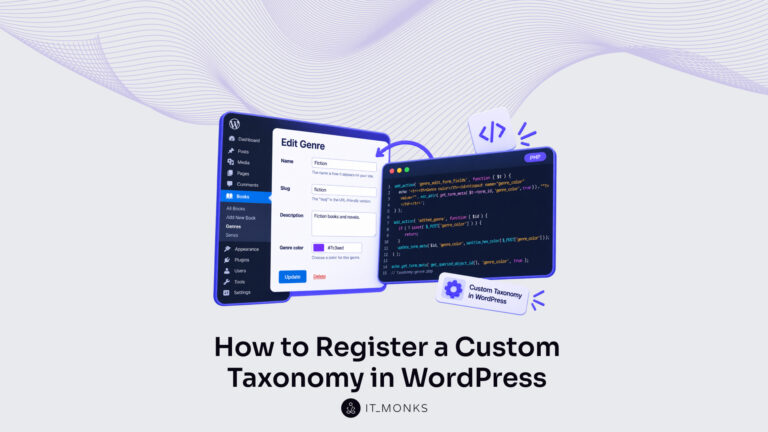
Register a custom taxonomy in WordPress with register_taxonomy(): slug, post type, arguments, rewrite slug, term display, term fields, then what a taxonomy is.
Resources
Step-by-step guides to building, running and maintaining WordPress sites.
Register a custom taxonomy in WordPress with register_taxonomy(): slug, post type, arguments, rewrite slug, term display, term fields, then what a taxonomy is.
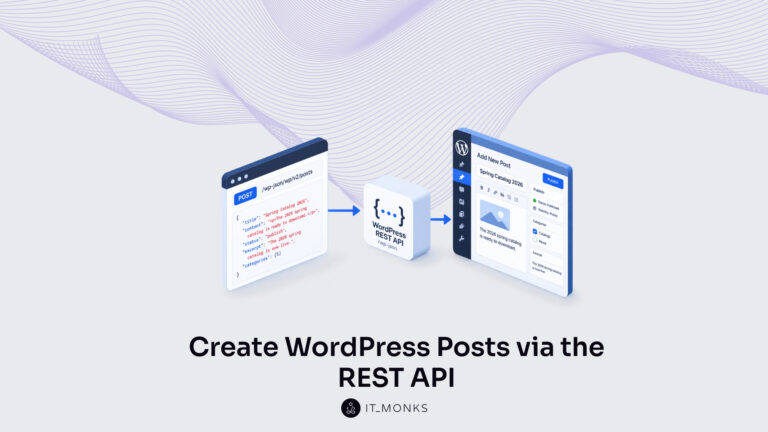
Create a WordPress post over the REST API by sending an authenticated POST to wp/v2/posts. Set the request body and status, then confirm the 201 response.
Fix the WordPress REST API error that breaks /wp-json and the block editor. Diagnose the signal, then fix permalink, plugin, .htaccess, HTTPS, and server causes.
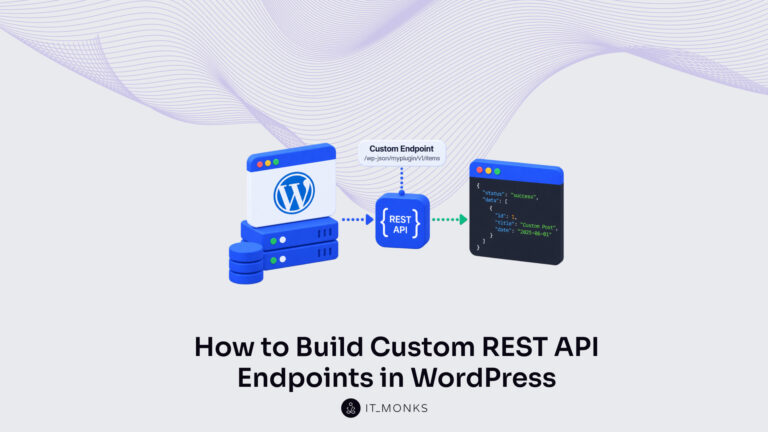
Build a custom WordPress REST API endpoint with register_rest_route(): register the route, namespace, method, and callback, then add args, secure, and test it.
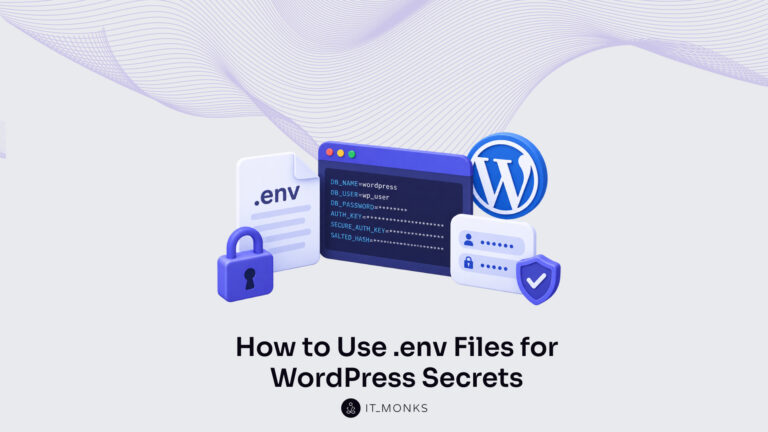
Learn to manage WordPress secrets with a .env file and environment variables. Keep database passwords, keys, and API credentials out of wp-config.php and the repository.
Create a WordPress staging site with a managed host, plugin, or manual copy. Keep it in sync with production by promoting code and database changes safely.
Install Docker for WordPress development on Ubuntu, macOS, or Windows with WSL 2. Set up Docker Engine, Docker Desktop, and Docker Compose, then verify the install.
Deploy WordPress on Kubernetes with portable manifests and a Helm chart. Scale pods horizontally with pod autoscaling to keep high-traffic sites responsive.
Network the WordPress and database containers in Docker so they reach each other by service name. Create, inspect, and isolate the stack's bridge network.