How to Increase the WordPress Maximum Upload Size
Increase the WordPress maximum upload size with upload_max_filesize and post_max_size in php.ini, .htaccess, or a plugin. See why wp-config.php cannot.
Resources
Step-by-step guides to building, running and maintaining WordPress sites.
Increase the WordPress maximum upload size with upload_max_filesize and post_max_size in php.ini, .htaccess, or a plugin. See why wp-config.php cannot.
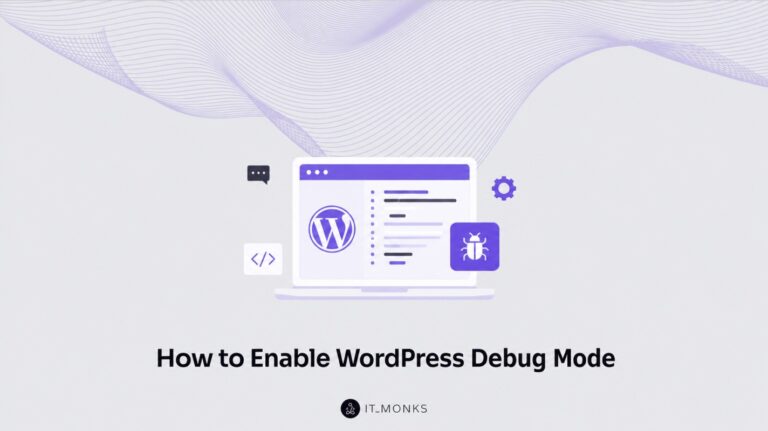
How to enable WordPress debug mode with the WP_DEBUG constants in wp-config.php: turn it on, log errors to debug.log, hide them from visitors, and switch it off safely.
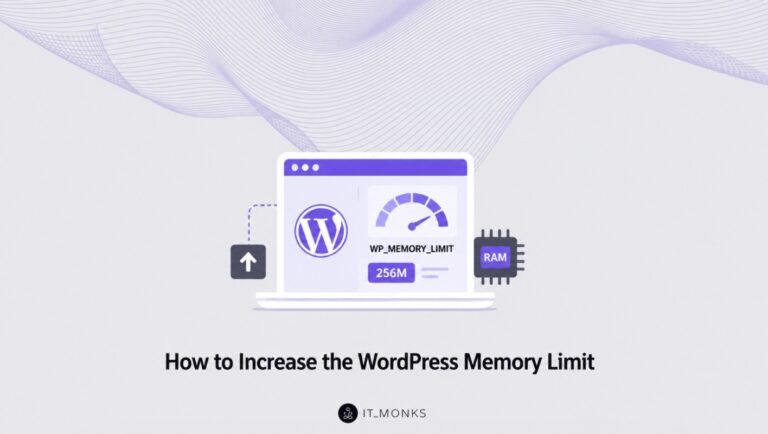
Increase the WordPress memory limit in wp-config.php with WP_MEMORY_LIMIT and WP_MAX_MEMORY_LIMIT. Also see the .htaccess, plugin, and php.ini options.
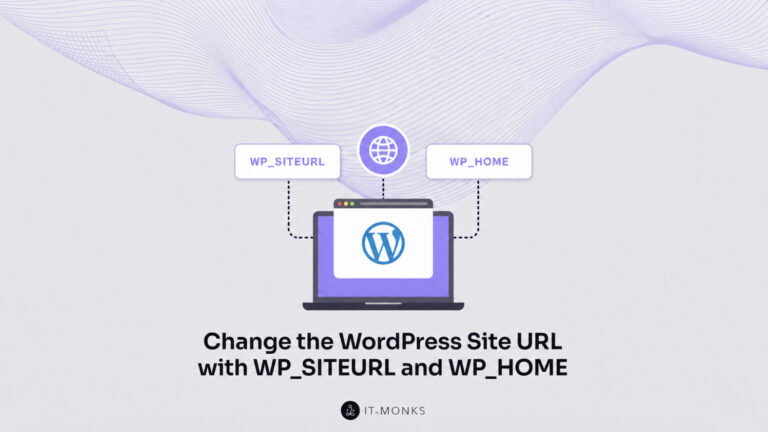
Change the WordPress site URL by setting WP_SITEURL and WP_HOME in wp-config.php. Covers override precedence, for a domain change or a localhost-to-live move.
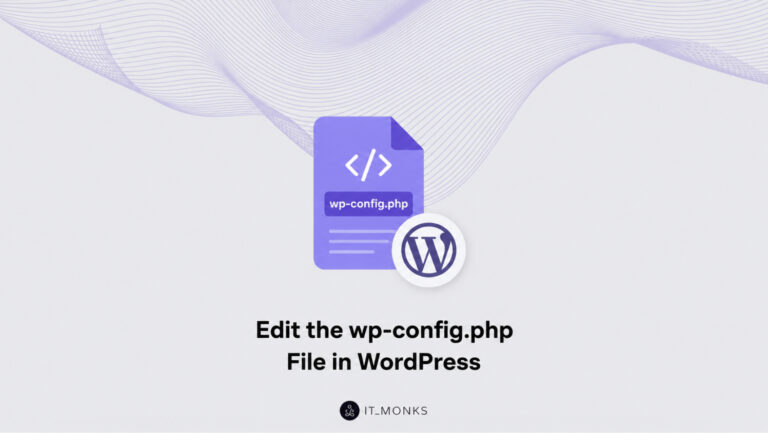
Learn how to edit the wp-config.php file in WordPress safely. Locate and access the file, back it up, change a constant with define(), then save and verify.
WordPress database repair is the process of restoring the WordPress database (the MySQL or MariaDB data store that contains site content, settings, and metadata), so the website can function correctly again after database corruption affects one or more tables. For site owners and administrators, WordPress database repair begins with confirming that the database needs attention, […]
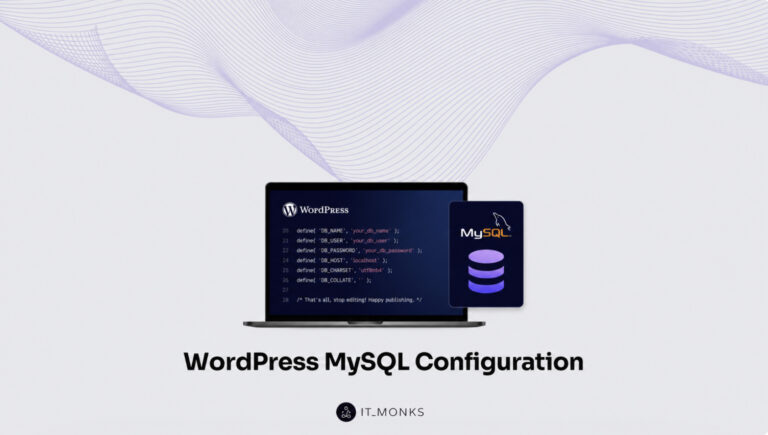
Configure MySQL for a WordPress site: create the database and MySQL user, grant privileges, and wire the wp-config connection settings so WordPress connects.
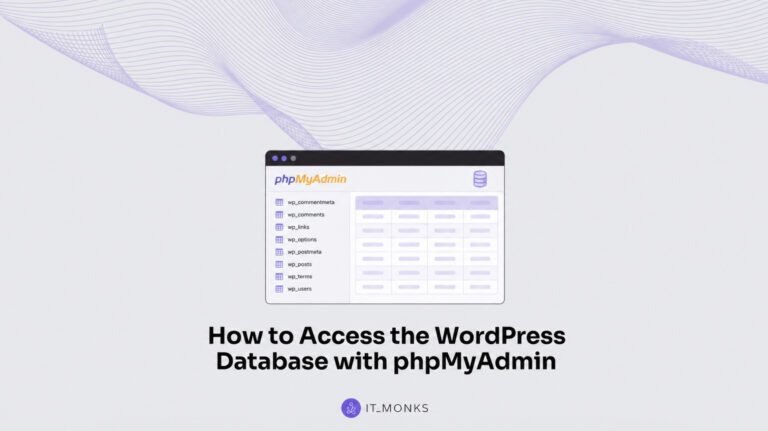
Access the WordPress database with phpMyAdmin. Locate your wp-config.php credentials, open phpMyAdmin on cPanel or your host dashboard, and reach the wp_ tables.
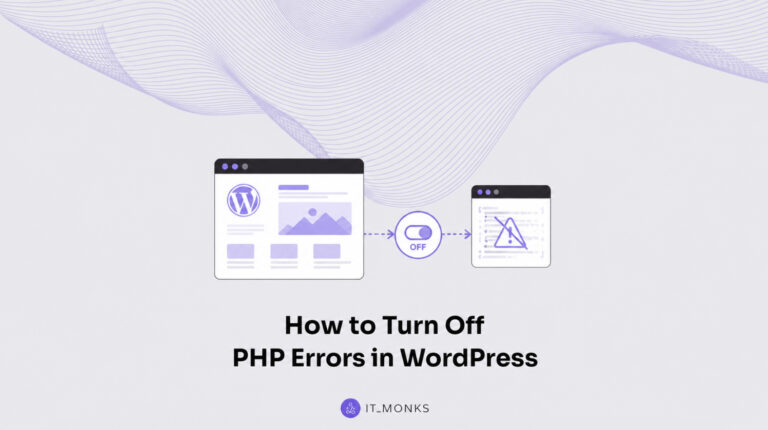
Turn off the front-end display of PHP errors on a live WordPress site without losing the debug log. Set WP_DEBUG_DISPLAY to false in wp-config.php while WP_DEBUG_LOG keeps writing wp-content/debug.log, or suppress display_errors in php.ini.