How to Find and Edit php.ini for WordPress
Find where php.ini lives on your WordPress host and confirm which file the server loads. Then edit the key directives WordPress needs to run smoothly.
Resources
Step-by-step guides to building, running and maintaining WordPress sites.
Find where php.ini lives on your WordPress host and confirm which file the server loads. Then edit the key directives WordPress needs to run smoothly.
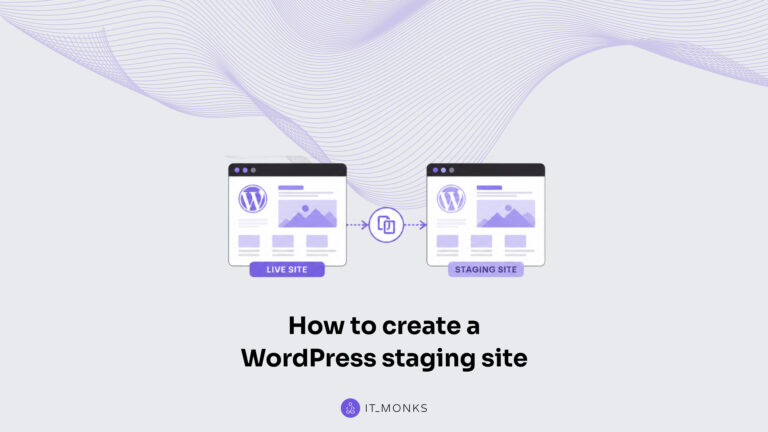
Learn how to create a WordPress staging site with host one-click staging, a plugin, or a manual copy. Then access, test, and push approved changes live safely.
Upgrade a WordPress site PHP version safely. Check the current version, back up the site, set the new version in cPanel or the host dashboard, then verify.
Install WordPress from the command line with WP-CLI. This guide covers the full sequence: download core, create the config and database, install, and verify.
Learn how to install WordPress on Bluehost with the guided one-click installer or a manual cPanel fallback, from account prerequisites to first wp-admin login.
Set up a local WordPress development environment to build and test on your own machine before going live. Learn to install, run, and create a local site.
The famous WordPress 5-minute installation walks the canonical pattern: wp-config.php, the install script, the form, and login. See what the run assumes first.
WordPress download steps: visit the official wordpress.org page, confirm the latest version, and save the zip file. The guide names the package contents.
A WordPress site owner can create a WordPress ecommerce website that takes payments, manages products, and launches as a fully functional online store without locking the business into a single platform path. This build sequence covers the complete process behind creating an online store with WordPress: choosing a domain and hosting environment, configuring WordPress with […]