Resources

Guides

Step-by-step guides to building, running and maintaining WordPress sites.

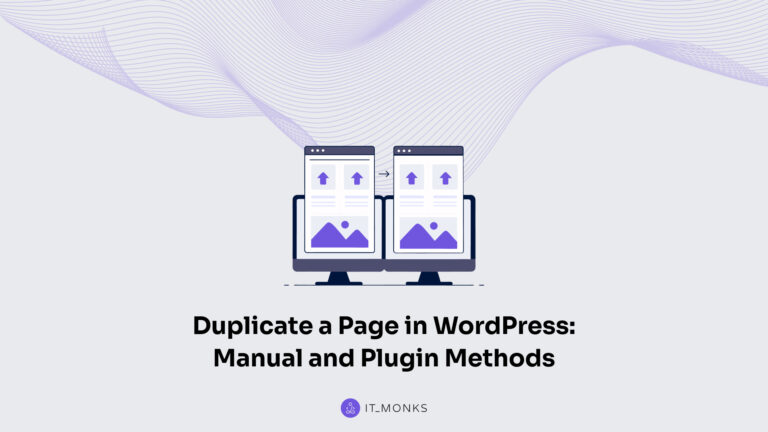
How to Duplicate a Page in WordPress

You duplicate a page in WordPress whenever the fastest path forward is to create a working copy of something the site already has. The landing page for last quarter's campaign is the obvious starting point for next quarter's variant. The product overview that converted well deserves a near-twin for a sister product. The article you […]
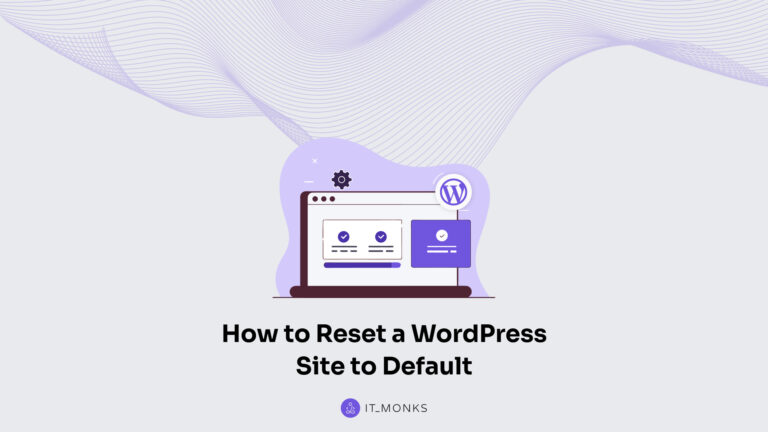
How to Reset a WordPress Site to Its Default State

You can reset a WordPress site to its clean default (fresh-install) state when you need a true restart: when the current setup feels cluttered, broken in ways that are hard to unwind, or you’re repurposing the same site for a totally different direction. The reset is about returning the site to a clean slate so […]

How to Move a WordPress Site From Localhost to a Live Server

Moving a WordPress site from localhost to a live server is the deployment route that takes a build running only on your own machine and turns it into a public site at a real domain. You built the thing locally (themes installed, content drafted, plugins configured), and now it has to live somewhere people can […]

How to Migrate a Drupal Site to WordPress

A Drupal-to-WordPress migration is the end-to-end move of an existing Drupal site onto a self-hosted WordPress destination, executed as a sequence of phases rather than a single import command. Site owners, in-house developers, and agency teams reach the decision to migrate a Drupal site to WordPress from anywhere along the Drupal version line (Drupal 7 […]

How to Migrate a Joomla Site to WordPress

A Joomla to WordPress migration requires a structured, step-by-step process that moves your Joomla site from versions 1.5, 2.5, 3.x, 4.x, or 5.x into a self-hosted WordPress.org environment without losing critical content, URLs, or site structure.  This guide explains how to migrate Joomla to WordPress by auditing the existing site first, then transferring content, preserving […]

How to Convert an HTML Site to WordPress

To convert an HTML site to WordPress, you move a static HTML site (whether hand-coded, framework-based, or statically generated) into self-hosted WordPress.org so it can run as a managed WordPress site.  This guide is for HTML site owners and front-end developers who need to convert an HTML website to WordPress with the right scope in […]

How to Migrate a Squarespace Site to WordPress

Migrating a Squarespace site to WordPress means moving every working part of an existing Squarespace 7.0, 7.1, or Squarespace Commerce site onto a self-hosted WordPress.org destination, then leaving Squarespace behind once the new site is verified. Squarespace and WordPress serve different audiences. Businesses comparing Squarespace vs WordPress for ecommerce often migrate when they need greater scalability, plugin […]

How to Transfer a Wix Site to WordPress

A Wix-to-WordPress site transfer rebuilds a site published in the Wix Classic Editor or Wix Studio into a self-hosted WordPress installation, then redirects the original Wix traffic to the new destination. The transfer runs across four phases: Site owners on Wix who are moving to self-hosted WordPress are the primary audience, alongside designers and developers […]

How to Migrate a WordPress Site to a New Host

A WordPress site moves to a new host when the existing files and database are copied off the current hosting provider, restored on the new host, and the live domain points at the new server. The work is sequenced rather than complicated: motivation, method choice, preparation, file transfer, database transfer, URL rewrite, DNS and SSL […]