WordPress Filter Hooks

Table of Contents

WordPress filter hooks enable modification of values and output during theme and plugin execution. In development workflows, data passes through callback functions, where each can adjust the value and return it before it becomes part of the final result.
Filter hooks are a part of the WordPress hook system, which allows code to run or modify values at specific points during page processing.
In comparison to action hooks, which run functions at specific points in WordPress execution, filter hooks modify and return a value. Functions such as apply_filters() and add_filter() connect callbacks to the filtering process, and priority determines the order in which callbacks modify the same value.
What Are Filter Hooks?
WordPress filter hooks are named points in the WordPress hooks system that allow a value or output to be modified before WordPress uses or displays it.
Filter hooks can modify text, settings, metadata, or generated output without changing WordPress core files.
What Are Filter Hooks Used For?
WordPress filter hooks are used to modify specific pieces of data at defined points in the WordPress processing flow.
They are applied in practical scenarios such as altering post titles before display, changing excerpt length, modifying content output, adjusting query results, customizing email data, or updating configuration values before WordPress uses them. This allows developers to control how data behaves across themes, plugins, and core features without editing the original source.
What is the Difference Between Filter Hooks and Action Hooks?
Filter hooks and action hooks in WordPress differ in how they influence the execution flow. Filter hooks operate on data by modifying and returning a value, while action hooks trigger custom functions without returning a value.
Within a filter hook, WordPress passes a value into a callback function. The callback processes that value and must return the modified result back into the execution flow. This return step is required because WordPress continues processing using the filtered value
With action hooks, a callback is triggered when a specific event occurs in WordPress processing. The callback executes code, such as loading functionality or running tasks, but it does not return a modified value.
How Do Filter Hooks Work in WordPress?
WordPress filter hooks work by passing a value through a filter, where attached callback functions can modify the data before WordPress continues execution.
The process starts when WordPress passes a value through a filter using apply_filters(). WordPress then checks whether any callback functions were attached to that filter through add_filter(). If a callback exists, WordPress passes the value to it.
The callback function receives the value, modifies the data, and must return the filtered value. WordPress then continues execution using the filtered value, either passing it to the next callback in the filter chain or applying it as the final output.
Here is an example of a filter hook:
function change_title_text($title) {
  $title = 'Custom: ' . $title;
  return $title;
}

add_filter('the_title', 'change_title_text');
Why a Filter Callback Must Return the Value?
Filter callbacks must return the value because WordPress filter hooks expect the processed value to continue through the filter chain. When WordPress applies a filter, it passes a value to a filter callback, which may modify it, keep it, or return it unchanged.
Returning the filtered value allows WordPress to pass that result to the next filter in the processing chain. If the callback does not return the value, the data flow breaks, and WordPress cannot continue processing the filtered value.
Basic Syntax of Filter Hooks
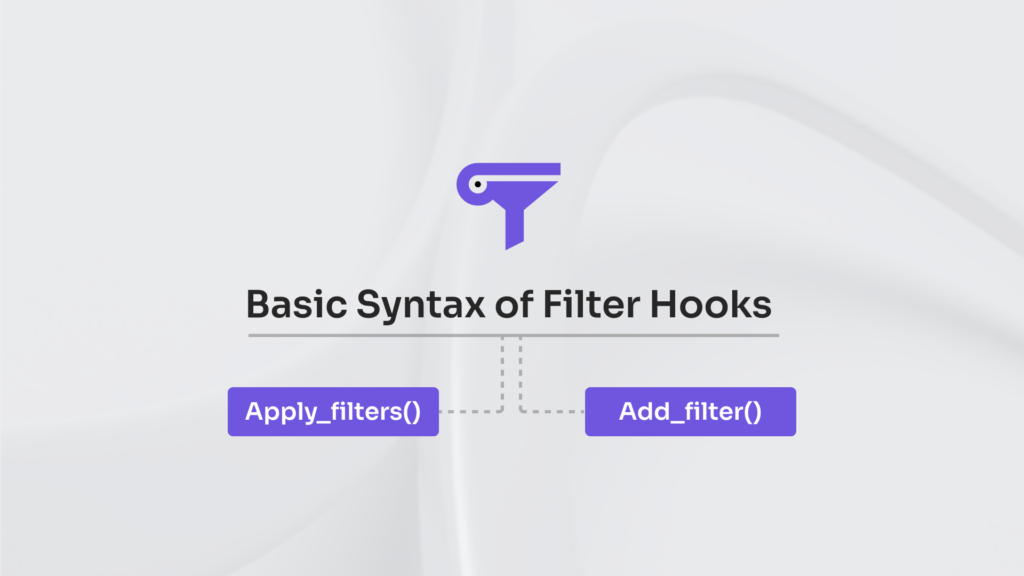
WordPress filter hooks use 2 main functions: apply_filters() and add_filter(). apply_filters() passes a value through a filter hook, and add_filter() attaches a callback that can modify that value. This callback connection supports controlled data flow before further execution.
apply_filters()
apply_filters() is a function in the WordPress hook system that passes a value through a filter hook so it can be modified during execution. It passes the value to a specific filter hook, allowing attached callbacks to modify it.
Each callback receives the value, may modify it, and returns the updated version. After all callbacks run, apply_filters() returns the filtered value to WordPress.
This function is used in WordPress core, themes, and plugins whenever a value should be filterable.
Here is an example of the apply_filters hook:
$title = apply_filters('custom_title', $title);add_filter()
add_filter() is a WordPress hook function that registers a callback for a filter hook. It connects the callback to the hook so the callback can modify the value that passes through the hook during filter execution.
When the filter hook runs, the callback function receives the current value, can modify it, and must return the value so the filtering process can continue. This allows controlled value modification in WordPress filter hooks.
add_filter() is commonly used in WordPress themes, plugins, and custom code to change values without modifying WordPress core.
function change_title_text($title) {
  $title = 'Custom: ' . $title;
  return $title;
}

add_filter('the_title', 'change_title_text');
Common Filter Hook Types
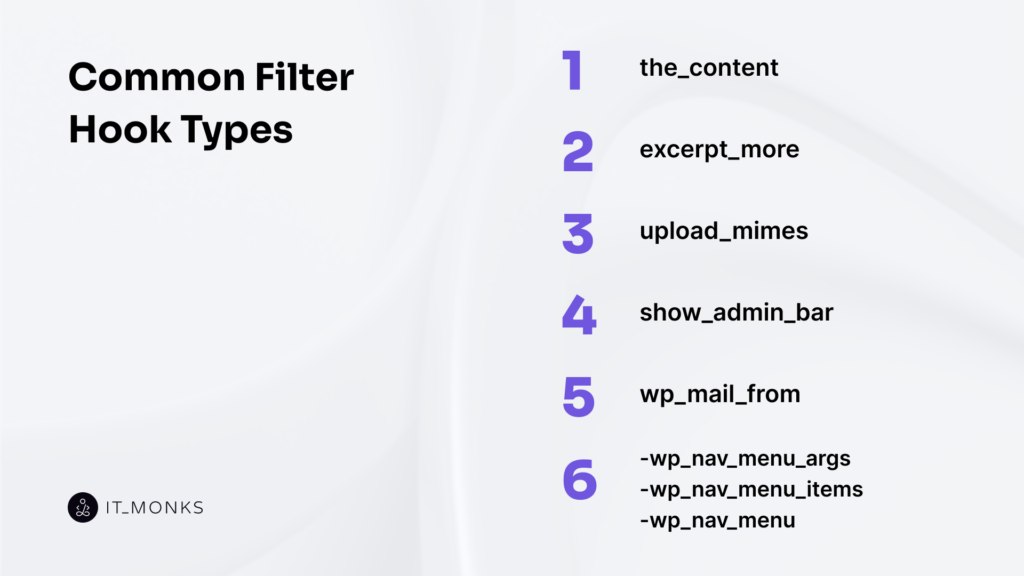
WordPress provides many filter hooks that target specific parts of the site data and output. Different filter hooks modify areas such as content output, menu structure, email settings, file uploads, and WordPress interface behavior.
Common WordPress filter hooks include:
- the_content – filters the main post or page content before display.
- excerpt_more – modifies the text at the end of automatically generated excerpts.
- upload_mimes – controls the list of allowed file MIME types for uploads.
- show_admin_bar – determines whether the admin bar appears on the front end.
- wp_mail_from – changes the sender email address used by WordPress.
- wp_nav_menu_args / wp_nav_menu_items / wp_nav_menu – adjust navigation menu arguments, items, and output.
How to Use a Filter Hook in WordPress?
In order to use a filter hook in WordPress, do the following:
- Choose a filter hook that targets the value you want to change.
- Create a callback function that receives the filtered value.
- Modify the value inside the callback.
- Return the value after the change.
- Attach the callback to the filter hook using add_filter().
Example:
function change_title_text($title) {
    return 'Custom: ' . $title;
}
add_filter('the_title', 'change_title_text');
This code can be added to a theme’s functions.php file or included in a custom plugin.
How to Create a Custom Filter Hook?
A custom filter hook in WordPress is created by using the apply_filters() function to pass a value through a filter that other functions can modify. Its behavior can later be changed by attaching a callback with add_filter(). The callback function receives the filtered value, modifies it if needed, and returns the value.
To create a custom filter hook, do the following:
- Choose the value that should be changed.
- Wrap the value with apply_filters() and define a hook name.
- Create a callback function that receives the filtered value.
- Attach the callback with add_filter() so it can modify and return the value.
Example:
function my_custom_message() {
  $message = 'Default message';
  return apply_filters('my_custom_message', $message);
}

function change_custom_message($message) {
  return 'Updated message';
}

add_filter('my_custom_message', 'change_custom_message');
What Is Filter Hook Priority?
Filter hook priority determines the order in which callbacks run on the same filter hook.
The default priority value is 10, and it is set in add_filter(). Lower numbers run earlier, while higher numbers run later.
Because callbacks run in sequence, priority affects the final filtered value returned by WordPress.


Contact
Don't like forms?
Shoot us an email at [email protected]
