WordPress Rest API: What It Is and How to Use It

Table of Contents
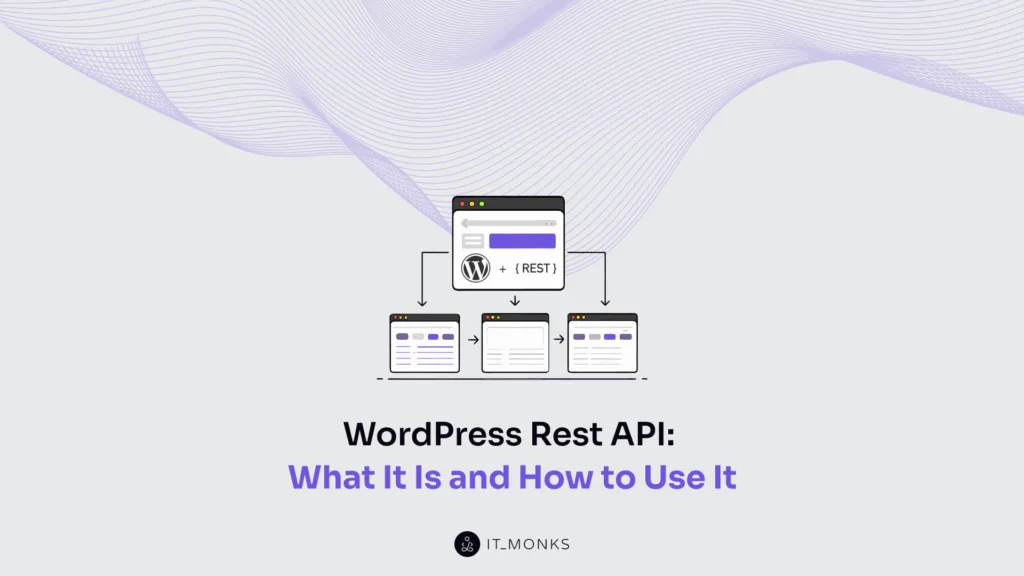
The WordPress REST API enables structured HTTP requests to retrieve, create, update, and delete WordPress data.
The WordPress REST API works by exposing structured URLs that represent specific WordPress resources, such as posts, users, or media files. A route defines the URL pattern that identifies a set of related resources, for example, /wp-json/wp/v2/posts. An endpoint combines a route with an HTTP method, such as GET, POST, PUT, or DELETE, to define the action to be performed on the resource.
The REST API is accessed via HTTP requests from the browser for admin/editor workflows or from server-side systems for integrations and automation, while WP-CLI can be used on the server to run both administrative and automation tasks.
Each HTTP method corresponds to a specific type of operation on a WordPress resource. A GET request retrieves data (for example, fetching a list of posts), a POST request creates new data, a PUT or PATCH request updates existing data, and a DELETE request removes data.
Request parameters modify how the HTTP method behaves. For example, a request to retrieve posts may include ?per_page=10 to limit results, ?search=design to filter by keyword, or ?author=3 to return posts from a specific user. Parameters are passed in the URL query string or request body.
Within the WordPress REST API, pagination defines how large collections of resources are segmented into smaller result sets. Instead of returning hundreds of posts at once, the API can return them in pages, such as page 1, page 2, and so on. Ordering parameters determine the sequence of results, such as sorting posts by date or title.
Authentication verifies the identity of the requestor, typically via cookies, nonces, or application passwords. After authentication, WordPress checks permissions defined by user roles and capabilities to ensure the requester has the capability required to perform the action, such as editing posts or deleting users.
The REST API includes publicly accessible endpoints, and each exposed endpoint increases the number of entry points that external users or automated systems can attempt to access. When the API is not required, specific endpoints can be restricted or disabled to reduce unnecessary exposure.
What is the WordPress Rest API?
The WordPress REST API is WordPress’s HTTP-based interface that allows external systems to interact with a WordPress website. It exposes data and site actions as resources via routes and endpoints, accepts HTTP requests, and returns JSON responses that are machine-readable representations of WordPress resources.
Managing a WordPress website requires controlled access to WordPress data and actions. The WordPress REST API provides access and secures it with permissions and authentication, enabling WordPress services to integrate with systems, support WordPress integration, and automate WordPress website management.
What is an API?
An API (Application Programming Interface) is a set of rules that defines how one system requests data or actions from another and how the response is returned. It specifies shared rules and permissions, ensuring clear, predictable communication between the requesting and responding systems.
In a WordPress website, an API enables tools or services to manage the site via structured requests. WordPress implements its API using a REST-based model.
What is REST?
REST (Representational State Transfer) is an architectural style that defines how an API exposes and modifies data on a server. It models the server application as a set of resources. Each resource represents a piece of stored data, such as a post or a user, and is identified by a unique URL that can be accessed via HTTP methods.
REST uses standard HTTP methods to work with these endpoints. A request sends a method to a resource URL, and a response returns the result. Each request should include all necessary information. The returned data represents the resource, most often in JSON, so it can be read consistently by tools and services.
The WordPress REST API applies REST to expose WordPress website data as URL-based resources.
Rest API Routes and Endpoints
The WordPress REST API organizes how a WordPress website is managed through routes and endpoints that serve as the navigation layer for site data. A REST API route defines the path to a specific resource, such as content, users, or settings, under a namespace. A REST API endpoint is created when a route is paired with an allowed HTTP method.
WordPress uses namespaces to group features and support versioning, while resource paths identify the managed resources. Each endpoint defines the rules for interaction, including the request, accepted parameters, the JSON response schema, and the permission callback that validates access.
How to Access the WordPress REST API?
To access the WordPress REST API, reach the REST API index exposed by a WordPress site and use it to discover available routes and endpoints through HTTP requests or WP-CLI.
Accessing the WordPress REST API follows a clear, repeatable sequence that supports reliable management of a WordPress website within WordPress services.
- Identify the REST API base URL exposed by WordPress. The base points to the REST API index, the entry point for discovery.
https://<your-site>/wp-json/
https://<your-site>/?rest_route=/- Send a basic HTTP request to the REST API index to confirm connectivity without targeting any specific route or endpoint.
curl -i https://<your-site>/wp-json/
curl -i ""https://<your-site>/?rest_route=/""- Verify the JSON response returned by the index. A reachable API returns a JSON body, a valid status code, and response headers, confirming that the WordPress REST API is accessible at the network layer.
- Use the REST API index as a discovery graph. The index advertises available routes and endpoints, establishing how later sections on methods and parameters apply, without invoking protected resources.
- Select WP-CLI as a command-line access channel for REST discovery, suitable for operational workflows in WordPress services. WP-CLI executes REST discovery by querying the REST API index and listing available routes and endpoints via wp rest.
wp cli update

wp package install wp-cli/restful

wp --path=<path> rest

wp --http=<domain> rest

wp rest- Authenticate the request to interact with endpoints that require specific user capabilities.
curl -i -u username:application-password \
https://<your-site>/wp-json/wp/v2/postsREST API Authentication
The WordPress REST API includes both public and protected endpoints, and authenticated requests allow WordPress to evaluate roles and capabilities before permitting or denying an action.
Cookie authentication with a nonce is used for same-origin requests from logged-in users inside WordPress. The browser sends the login cookie, and the request includes a nonce that WordPress validates via the wp_rest action, via the X-WP-Nonce header, or the _wpnonce parameter. This protects write actions in admin and editor tools by confirming the current user and enforcing capability checks.
For remote access, application passwords are protected by Basic Auth over HTTPS. A script or WordPress service sends a username and application password, WordPress authenticates the request, identifies the current user, and authorizes the endpoint based on capability.
When token-based access is required, authentication plugins issue a token via OAuth or JWT, which scopes permissions and allows access to be revoked without changing user passwords.
Authentication is required for protected write requests: WordPress services can safely manage a website only when each REST API request includes a valid identity, permissions, and capabilities.
What are the Most Common REST API Commands?
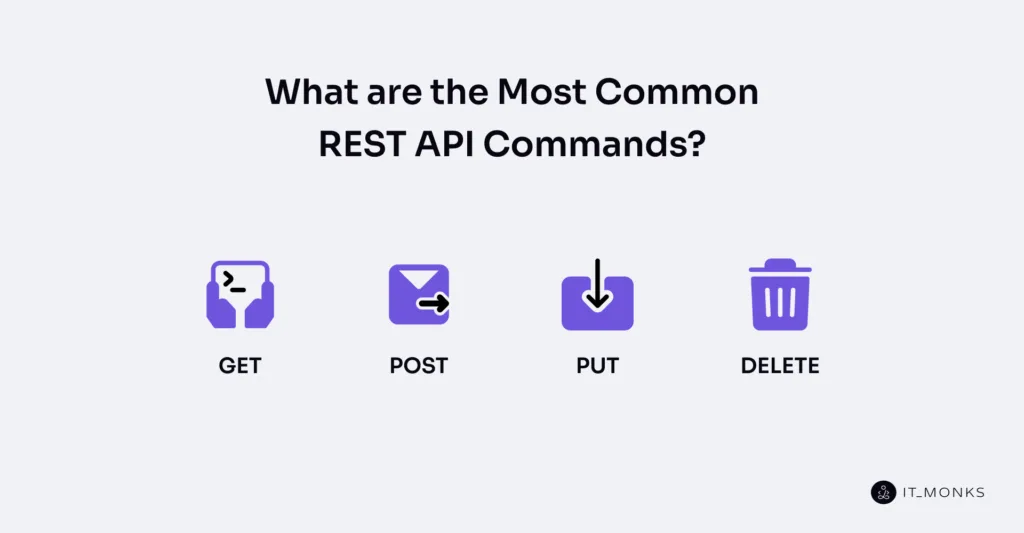
The most common WordPress REST API commands are GET, POST, PUT, and DELETE. These methods define how a request targets a resource through a route or endpoint, and how WordPress returns a response when managing a WordPress website. Choosing the correct HTTP method determines what action is performed on WordPress data.
GET retrieves data from a resource and returns a response without modifying the resource.
POST creates new data by sending a request to an endpoint and requires authentication and permissions.
PUT updates an existing resource by modifying its data and returning an updated response.
DELETE removes a resource and is restricted by permissions and authentication.
GET
GET method in the WordPress REST API retrieves a read-only representation of a WordPress resource from a REST API endpoint. GET is used to obtain information so a WordPress website can be managed reliably before any changes are made.
A GET request targets a specific REST API route, which represents a single resource or a collection of resources. The request may include optional query parameters that filter the returned results. The response returns a JSON representation, including a status code and headers that indicate the result.
Access to a GET endpoint is controlled by WordPress authentication and capability rules defined for that REST route. Each endpoint checks whether the current user or token is allowed to read the requested resource.
Some resources are publicly accessible, while others require authentication and appropriate capabilities. If the permission check fails, the endpoint returns an authorization error and denies access.
GET can retrieve one resource or list a collection. Filtering, pagination, and ordering are part of retrieval behavior and are covered later.
The following example illustrates a GET request:
curl -i -X GET "https://<your-site>/wp-json/<namespace>/<resource>"

curl -i -G "https://<your-site>/wp-json/<namespace>/<resource>" --data-urlencode "<key>=<value>"

wp --http=<your-site> rest get /<namespace>/<resource>
WordPress services use GET to manage WordPress websites by retrieving resources via consistent REST API endpoints, subject to WordPress permission rules.
POST
POST is the create-and-submit method in the WordPress REST API. It sends data to an endpoint to create a new resource or trigger a server-side action, helping manage a WordPress website through controlled write operations.
A POST request targets a route and includes a request body. After authorization, WordPress validates the request body, creates the resource when validation passes, and returns a response with a status code indicating the result.
POST depends on choosing the correct endpoint, sending a valid JSON body, and passing permission checks before any change is applied.
The following example illustrates a POST request:
curl -i -X POST "https://<your-site>/wp-json/<namespace>/<resource>" \
  -H "Content-Type: application/json" \
  -H "Authorization: <auth-scheme> <credentials>" \
  -d '{"<field>":"<value>"}'

wp --http=<your-site> rest post /<namespace>/<resource> --body='{"<field>":"<value>"}'
PUT
PUT is the update or replace method in the WordPress REST API. It is used to update an existing resource, enabling WordPress services to manage a WordPress website through controlled changes. PUT is idempotent, meaning that sending the same request again produces the same update.
A PUT request targets a specific endpoint using a resource ID and includes a request body, usually in JSON, containing the new data. Because it changes existing data, PUT requires authentication and permissions. WordPress checks access, applies the update, and returns a response with the updated data and a status code.
The following example illustrates a PUT request:
curl -i -X PUT "https://<your-site>/wp-json/<namespace>/<resource>/<id>" \
  -H "Content-Type: application/json" \
  -H "Authorization: <auth-scheme> <credentials>" \
  -d '{"<field>":"<value>"}'

wp --http=<your-site> rest put /<namespace>/<resource>/<id> --body='{"<field>":"<value>"}'
DELETE
DELETE in the WordPress REST API deletes an existing WordPress resource at a specific endpoint.
A DELETE request targets an endpoint with a resource ID and usually requires authentication and permissions. If the request is allowed, WordPress removes the resource and returns a response with a status code that confirms the result.
Depending on the endpoint, deletion may move the resource to trash or permanently delete it. This allows WordPress to manage a website with controlled cleanup and clear delete outcomes.
The following example illustrates a DELETE request:
curl -i -X DELETE "https://<your-site>/wp-json/<namespace>/<resource>/<id>" \
  -H "Authorization: <auth-scheme> <credentials>"

curl -i -X DELETE "https://<your-site>/wp-json/<namespace>/<resource>/<id>?force=<true|false>" \
  -H "Authorization: <auth-scheme> <credentials>"

wp --http=<your-site> rest delete /<namespace>/<resource>/<id>
Rest API Global Parameters
WordPress REST API global parameters are WordPress-level meta-parameters that control how requests and responses behave across routes and endpoints. They apply the above individual resources and help WordPress services manage a WordPress website with smaller payloads, fewer requests, and better compatibility.
_fields restricts the response to a subset of fields in the JSON representation. This reduces data size and improves performance by returning only what is needed. Overuse can break clients that rely on nested properties and introduce caching risks.
_embed embeds linked resources by expanding data from _links into _embedded. This reduces follow-up calls when related data is needed together. Excessive embedding increases response size and can affect caching when embedded content changes.
_method and X-HTTP-Method-Override override the HTTP method used for a request, allowing POST requests to act as PUT or DELETE. This controls request handling and enables compatibility with restricted clients. Misuse can confuse caches and monitoring systems.
_envelope wraps status code and headers inside the response body as headers-in-body metadata. This enables clients that cannot read headers to access response control information. It also changes the response shape and may complicate client handling.
_jsonp wraps the JSON response in a JSONP callback for legacy cross-domain support. This enables compatibility where modern controls are unavailable, but should be limited due to security constraints.
Pagination and Ordering in REST API
WordPress REST API pagination and ordering control how a collection endpoint returns multiple items, so WordPress services can manage a WordPress website without over-fetching data or getting unstable results.
Pagination parameters include page, per_page, and offset.
page selects which part of the collection to return, while per_page limits the number of items per response. For performance, per_page is capped at 100.
Paginated responses return response headers: X-WP-Total reports the total number of items, and X-WP-TotalPages reports how many pages are available. These headers are returned with the HTTP status code, so services can track progress reliably.
The offset parameter shifts the starting position by the specified number of items. It serves the same purpose as page and per_page, but services usually choose one approach to keep pagination logic simple and predictable.
Ordering parameters include order and orderby. order controls whether results are returned in ascending or descending order, while orderby sorts the collection by a specific field. Valid orderby values vary by route and are defined per collection endpoint.
Stable pagination depends on consistent ordering. Using an orderby value that remains constant across requests stabilizes page boundaries, preventing items from shifting while iterating over a WordPress REST API collection.
How to Enable REST API in WordPress?
To enable the WordPress REST API, ensure your WordPress installation is version 4.7 or higher, and that pretty permalinks are activated under Settings → Permalinks, which enables rewrite rules required for REST routes.
The API is enabled by default, so enabling it typically means restoring access if /wp-json/ is blocked by routing issues, security rules, server configuration, or custom code.
The following checks help you determine exactly why the REST API is not responding and show how to fix the specific layer that is blocking it.
- Confirm the REST API index responds. This validates WordPress routing and REST bootstrap.
https://<your-site>/wp-json/

curl -i https://<your-site>/wp-json/
A successful response confirms the API surface is exposed at wp-json.
- Regenerate rewrite rules if you see 404 errors. Broken rewrite rules or permalinks are the most common cause of missing routes.
wp rewrite flush- Detect and remove code or plugins that hard-block REST requests with 401/403 responses. Filters like rest_authentication_errors can return 401/403 and block access. Remove the blocking rule.
- Unblock infrastructure: if site health reports REST or loopback failures, or you see consistent 403 errors or timeouts, diagnose the firewall/WAF or security plugin. Allow REST and loopback traffic at that layer.
- Re-test the REST API index and a known public route to confirm access is restored. Authentication for protected endpoints is handled separately, preserving the security boundary.
How to Disable REST API in WordPress?
To disable the WordPress REST API, restrict public and unauthenticated access to REST endpoints.
WordPress does not provide a single switch to disable the REST API, and blocking it aggressively can break WordPress services, including the admin area, editor, and integrations. The goal is to manage a WordPress website by limiting exposure while keeping the required features working.
The process follows a simple flow: choose the appropriate restriction method, apply it, and verify the result at the REST API index and theaffected routes and endpoints.
The restriction method depends on how broadly access should be limited. WordPress allows access control at different levels, from global blocking of unauthenticated requests to selective removal of individual routes.
Global restriction
This is the safest and most common approach. The WordPress REST API remains available to authenticated users while unauthenticated requests are denied. Requests are blocked early unless the user has the required permission or capability. This is typically done with rest_authentication_errors.
Route-level removal
If only certain features should be disabled, specific routes can be removed. Using rest_endpoints, selected endpoints are removed, preventing them from resolving. This limits exposure without affecting unrelated WordPress services.
Dispatch short-circuit
For finer control, requests can be blocked before execution using rest_pre_dispatch. This allows rules based on user role, capability, or request context while keeping the endpoint available when needed.
Discovery hiding
Removing the REST discovery link hides the REST API index from headers or HTML output. This only reduces visibility; it does not restrict access and should not be treated as a security measure.
After applying any method, always test the REST API index and affected endpoints as both unauthenticated and authenticated users to ensure the REST API is restricted correctly without breaking essential WordPress functionality.
How to Use the WordPress REST API?
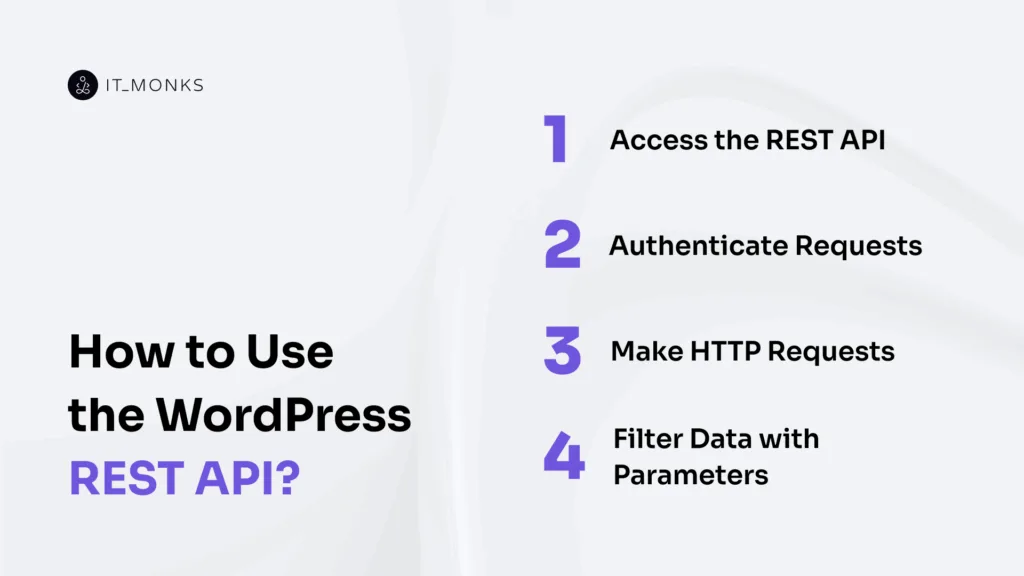
Access the REST API
The WordPress REST API accesses a site through the REST API index, exposed at wp-json. This index serves as the entry point, showing what the API supports and how it is organized. The WordPress REST API exposes each namespace and allows discovery of the available route and endpoint paths.
The REST API index advertises where a request should be sent. Access is confirmed when the index returns a valid JSON response with a clear status code. This ensures that the WordPress REST API is reachable, not that data can be changed.
Authentication is the next dependency that controls access to protected endpoints used to manage a WordPress website. WordPress services rely on this access surface to integrate systems and automate WordPress website management.
Example REST API request for WordPress website management:
https://example-site.com/wp-json/

GET /wp-json/ HTTP/1.1
Host: example-site.com
Accept: application/json
Authenticate Requests
The WordPress REST API accesses a site through the REST API index, exposed at wp-json. This index is the entry point that shows what the API supports and how it is organized. From this surface, the WordPress REST API exposes each namespace and allows discovery of the available route and endpoint paths.
Access is confirmed when the index returns a valid JSON response with a clear status code. This confirms that the WordPress REST API is reachable, not that data can be changed.
Authentication is the next dependency that controls access to protected endpoints used to manage a WordPress website. WordPress services rely on this access surface to integrate systems and automate WordPress website management.
Example REST API endpoint request:
GET /wp-json/wp/v2/users HTTP/1.1Host: example-site.comAuthorization: Basic base64(username:application-password)Accept: application/jsonMake HTTP Requests
An HTTP request to a REST API endpoint combines an HTTP method with the endpoint URL. The request includes headers that describe the data: Accept: application/json to receive a JSON response, and Content-Type: application/json when sending a JSON body (usually with POST or PUT). The request header authenticates protected endpoints by including an authorization header or a nonce header.
The HTTP request targets the endpoint, includes headers, and may include a JSON body. The endpoint validates authentication and returns a response. If authentication fails, the response may return an error, such as a permission-denied response. The client reads the status code, parses the response JSON, and handles errors by deciding whether to retry or stop.
The same pattern applies to all REST API requests and is shown below:
<METHOD> https://<your-site>/wp-json/<namespace>/<resource>/<id?>
Headers: Accept: application/json
Headers: Content-Type: application/json (for POST/PUT)
Headers: Authorization / X-WP-Nonce (when required)
Body: {"<field>":"<value>"} (for POST/PUT)

curl -i -X <METHOD> "https://<your-site>/wp-json/<namespace>/<resource>/<id?>" \
  -H "Accept: application/json" \
  -H "Content-Type: application/json" \
  -H "<auth-header>: <auth-value>" \
-d '{"<field>":"<value>"}'Filter Data with Parameters
Filtering in the WordPress REST API works by appending query parameters to the endpoint URL. Each collection endpoint supports only a route-specific set of parameters defined by its route schema. These supported arguments are listed in the endpoint’s REST API reference and determine what the endpoint accepts, rejects, or validates.
There are 2 clear parameter layers. Collection parameters narrow which items are returned in the collection response, while global parameters shape the response representation. Global parameters such as _fields and _embed control which data is returned or exposed, without changing which items match.
Only parameters defined in the endpoint’s route schema are recognized. Parameters outside the schema are either ignored or rejected through validation.
The dependency chain reflects how request structure determines response behavior. The collection endpoint defines the resource scope. Supported collection arguments constrain, limit, and order the result set on the server. Global parameters then shape the representation of those results without altering which resources match.
Examples of WordPress REST API requests with query parameters:
https://<your-site>/wp-json/<namespace>/<resource>?<param>=<value>&<param2>=<value2>

https://<your-site>/wp-json/<namespace>/<resource>?<param>[]=<value1>&<param>[]=<value2>

https://<your-site>/wp-json/<namespace>/<resource>?_fields=<field1>,<field2>&<param>=<value>
When to use the WordPress REST API?
Use the WordPress REST API when you need to manage a WordPress website through programmatic, remote, or automated access to WordPress data and actions using endpoints. It is the right choice when WordPress services must integrate with, automate, or control WordPress outside the admin interface.
Choose the WordPress REST API when managing a WordPress website with an external service or client. In WordPress development, this includes integration with third-party systems, automated workflows, data synchronization with external databases, custom admin tools, headless architecture, client applications, bulk operations, migrations, and monitoring and auditing site state. In these cases, a request/response interface is required for external systems to interact with WordPress.
Using the WordPress REST API requires clear constraints. Requests must use authentication, respect capability and permission rules, target stable endpoints, and meet performance and security expectations. When these conditions are met, WordPress services can retrieve, update, and synchronize data in a controlled way.
Avoid the WordPress REST API for simple one-off admin changes, tasks already handled by the WordPress UI or plugins, or when exposing endpoints adds risk without clear management value. In those cases, prefer WP Admin, WP-CLI, or existing plugin features.
Contact
Don't like forms?
Shoot us an email at [email protected]