Split Test: Practical Guide

Table of Contents
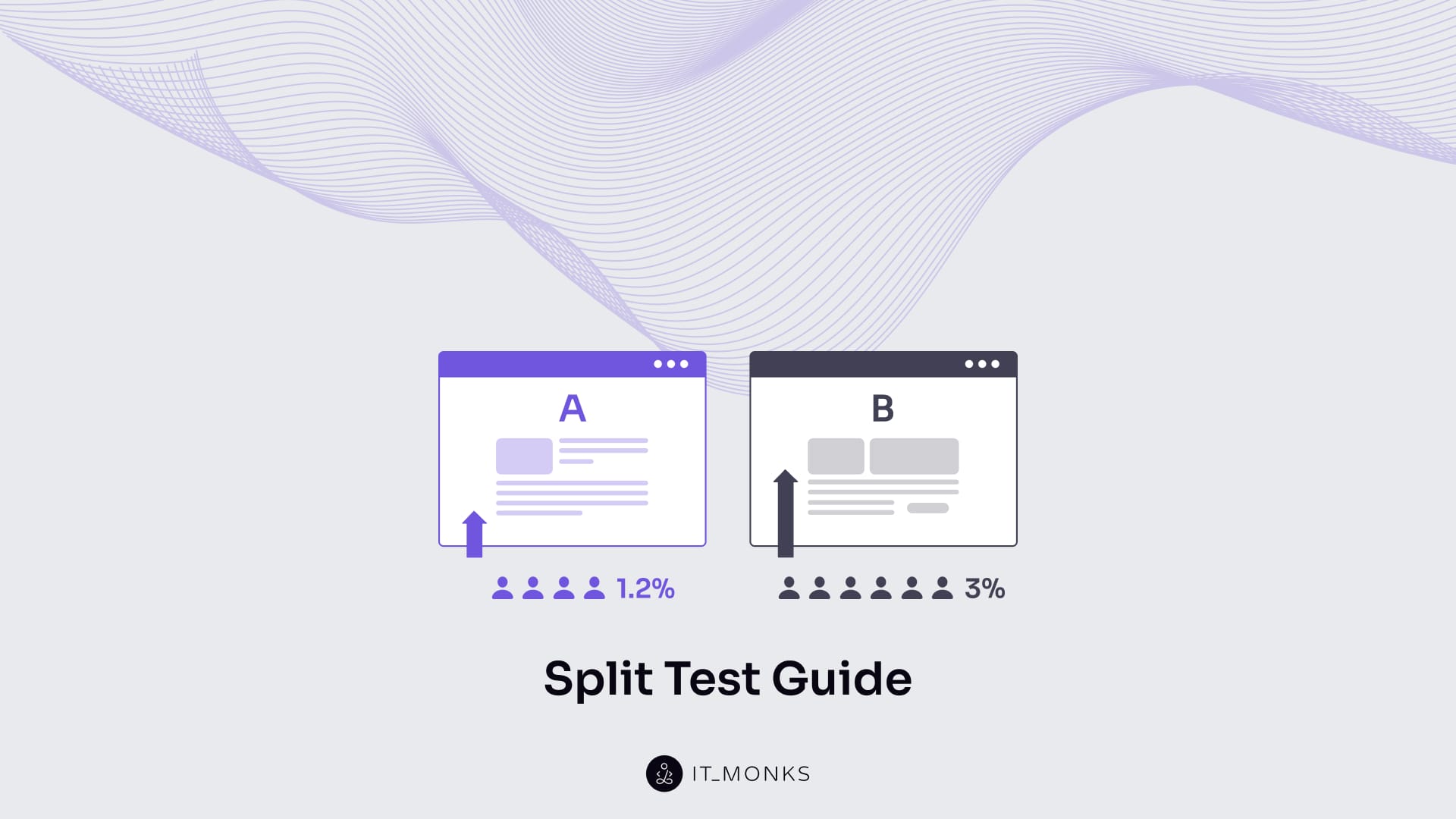
A split test is a controlled experimental method used to compare two or more variations of a single digital element to measure how a specific change affects user behavior to achieve predefined performance metrics. The test operates by dividing traffic between a baseline version (the control) and one or more modified versions (variants), ensuring that each user is exposed to only one condition during the experiment.
The methodology requires isolating one variable at a time (such as copy text, media assets, navigation structure, call-to-action placement, or form configuration), so that any observed performance difference can be causally attributed to that modification. User responses to each variant are then evaluated against quantifiable indicators such as conversion rate, click-through rate, or task completion frequency.
To maintain result validity, split tests rely on consistent traffic distribution, sufficient test duration, and stable segmentation conditions, which collectively reduce external interference and statistical noise. Once the test concludes, outcome comparison determines whether the variant outperforms the control and whether the observed lift justifies implementation.
What Is a Split Test?
A split test is a method for comparing different versions of the same digital element by dividing visitors into separate groups and observing how a single, controlled change alters user behavior in order to improve predefined performance metrics. Within the broader measurement-driven optimization process described in our CRO guide, split testing functions as a validation mechanism that confirms whether interface adjustments measurably affect conversion behavior.
One version functions as the control and preserves the original state, while a variant introduces one intentional modification that serves as the basis for comparison.
Within this testing framework, user sessions act as the unit of observation. A user session represents a single visit in which an individual enters the interface, navigates through its structure, and interacts with its elements. During a split test, sessions are segmented and distributed so that each session is exposed to only one version of the element, ensuring that behavior is recorded in isolation and not influenced by multiple conditions.
Behavior captured inside these sessions is then evaluated through interaction-based metrics such as click-through rate, user path progression, session duration, bounce rate, and scroll depth. These metrics translate observed behavior into measurable signals, making it possible to determine whether the tested change produces a meaningful improvement over the baseline version.
What Are the Elements of a Split Test?
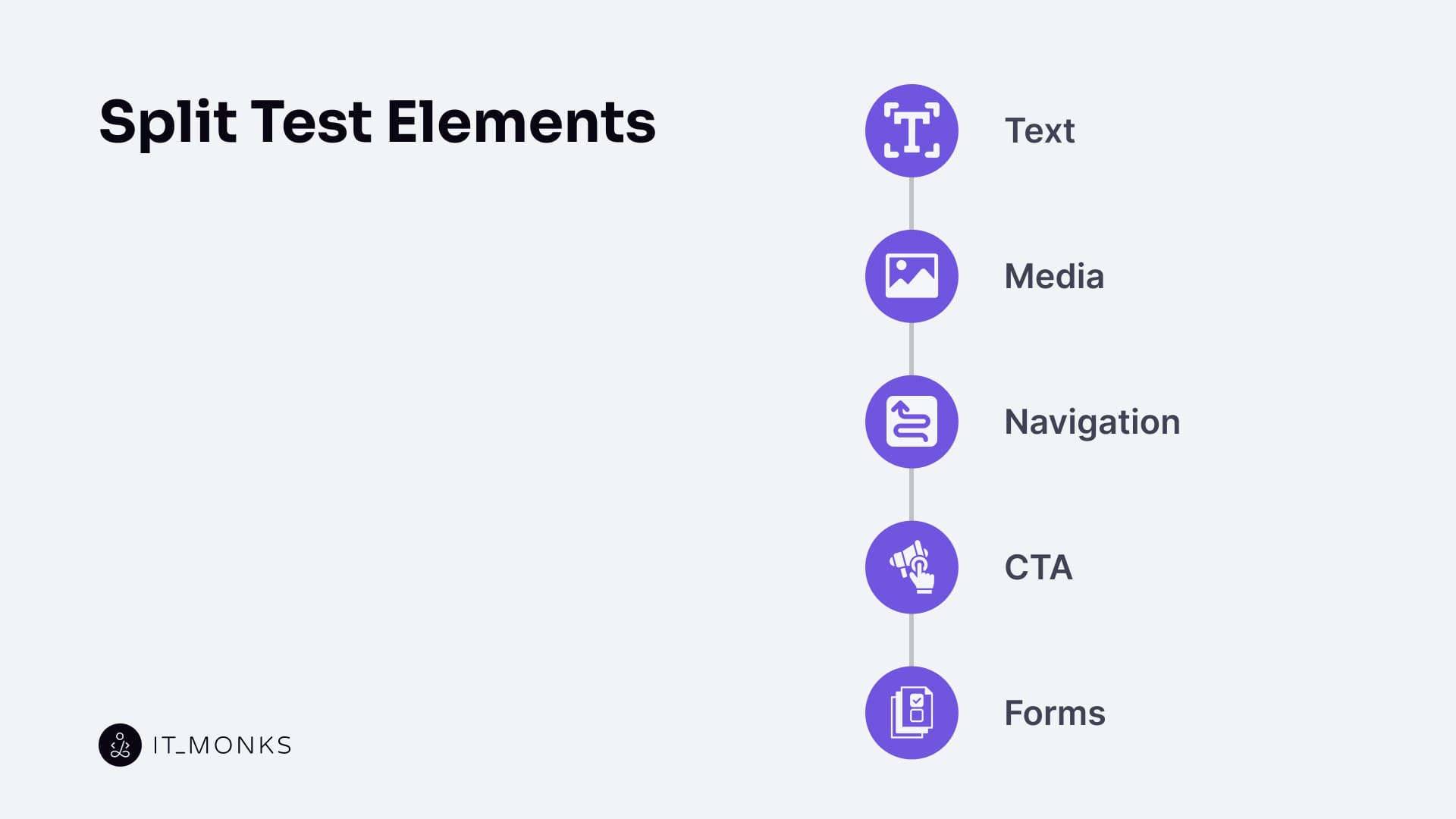
The elements of a split test are text, media, navigation, a call to action (CTA), and forms. Each of these elements functions as an independent experimental variable with a clearly bounded scope. Testing one element at a time preserves experimental control, enables accurate attribution between change and outcome, and supports conversion rate optimization by measuring how specific interface changes affect predefined user behavior metrics.
Text
Text is a testable interface element that can be deliberately modified in a split test to measure how wording, structure, and presentation affect user behavior. A text element refers to the specific words exposed to users at interaction points (such as content copy, labels, microcopy, and instructional phrasing) that frames meaning and guides decisions.
Text variation applies across multiple interface surfaces. The same text element may appear within calls to action, navigation menus, and links, where wording defines the expected action, destination, or outcome of a choice. Modifying labels, link text, or CTA phrasing changes semantic intent by clarifying purpose, signaling consequences, and adjusting perceived effort or commitment.
Text testing also includes changes to information order, which effectively alters layout logic without introducing new visual components. Reordering headings, moving key explanations earlier or later, or restructuring supporting statements shifts message priority and affects how users scan, interpret, and act on information. In this way, textual structure becomes part of the experimental variable.
In addition, text format belongs to the scope of testing. Paragraphs, bullet lists, numbered lists, and table-like text structures influence readability, cognitive load, and comparison speed, which in turn shape comprehension and decision-making.
Because text operates across many interaction points, modifying a single text element can influence multiple metrics at once, including CTA click-through rate, navigation depth, scroll depth, bounce rate, and session duration. Text remains one of the most precise split-test variables because it can be isolated cleanly, changed without altering system logic, and evaluated directly through observable behavioral signals.
Media
Media is a split-testable interface element used to evaluate how visual information affects user perception, understanding, and decision-making. In testing contexts, media includes images, video, icons, and other visual representations that users rely on to assess credibility, clarity, and relevance. Rather than serving a decorative role, media functions as an information carrier that communicates quality, context, and trust signals before interaction occurs.
Media testing focuses on attributes such as visual prominence, position within the layout, relative size, presence or absence, and informational density. Adjusting where media appears, how dominant it is, or how much detail it conveys determines whether users treat it as a primary decision driver or as supporting context. Detailed visuals tend to increase perceived credibility and clarity, while minimal or reduced visuals can shift attention toward text or CTAs.
Because media directs attention and reduces uncertainty, its impact surfaces in measurable behaviors such as click-through rate, scroll depth, session duration, and progression along user paths. When the media is used mainly for an informational aid, effects often appear in engagement depth and bounce reduction; when it functions as a persuasive driver, impact concentrates closer to conversion points. This dual role makes media a critical variable to isolate in split tests, as visual changes can alter interpretation and action without modifying underlying functionality.
Navigation
Navigation is a testable structural element that determines how users move through an interface and reach key interaction points. In split testing, navigation includes menus, internal links, hierarchy depth, and flow cues that define available paths, order of discovery, and progression logic. Changing navigation modifies decision paths rather than content.
Navigation impact appears in metrics such as bounce rate, path depth, session duration, scroll depth, and drop-off points. Efficient navigation shortens routes to conversion areas, while unclear or restrictive navigation increases hesitation and early exits, making navigation a high-impact variable for evaluating flow clarity and access efficiency.
CTA
CTA (Call to Action) is a testable element that guides user behavior toward a specific, system-recognized action within a split test. It functions as the interaction point where existing intent is either acted upon or abandoned. CTAs commonly appear as buttons, links, or prompts that explicitly indicate what action is expected next.
CTA testing focuses on how effectively this element channels behavior, not on subjective preference. Variations evaluate whether users recognize the action, understand its outcome, and feel ready to proceed at that moment in the interaction flow.
CTA testing modifies a defined set of attributes. Wording tests semantic clarity and intent confirmation. Placement and sequencing test whether the CTA appears at the correct point in the user path. Visual prominence refers to concrete, testable properties such as color contrast, size, font weight, and visual separation from surrounding elements, all of which influence visibility and action recognition. Contextual changes test how nearby content supports or competes with the CTA’s meaning.
CTA performance is evaluated through behavior immediately surrounding the action point, including click-through rate, interaction latency, conversion rate, and abandonment rate at the step preceding the CTA. These metrics reveal whether the element successfully translates user readiness into an observable action under controlled conditions.
Forms
Forms are testable input structures that collect user data required to complete an action. In split testing, forms represent a critical interaction threshold where intent is tested against effort. Changes to form structure evaluate how much friction users tolerate before completing or abandoning a task.
Form testing targets attributes such as field count, field order, grouping logic, instructional text, and step progression. Reordering fields or restructuring steps alters the perceived sequence of effort and commitment, functioning as a layout-level variation. Label and instruction changes test clarity and expectation, while grouping tests how users mentally segment the task.
Form performance is evaluated through completion rate, abandonment rate, time to submission, and error-driven exits.
How to Do a Split Test?
1. Set a Clear Goal
A split test begins with a test goal, which defines the specific behavioral outcome the experiment is meant to influence. This goal acts as the anchor for the entire process, because it determines what success looks like before any changes are made. Instead of broad intentions, the goal is expressed through a concrete interaction metric such as click-through rate, bounce rate, scroll depth, session duration, or user path progression.
Once the goal is set, it defines the test scope and narrows the focus to a single measurable result. Every later decision (what to change, what to measure, and how long the test should run) derives from this definition. When a goal is unclear or loosely defined, the test may still produce data, but that data cannot be confidently interpreted or acted upon.
2. Identify a Single Variable to Test
With a clear goal in place, the next step is identifying a single test variable that could influence that outcome. This variable represents the one intentional difference between the baseline experience and the modified version. Everything else remains unchanged so that the system can attribute any behavioral shift to that single point of variation.
Isolating one variable preserves experimental clarity. If multiple elements change simultaneously, the outcome becomes ambiguous because the source of the effect cannot be traced. The selected variable should therefore align directly with the goal and represent the most plausible behavioral lever. Supporting analysis, such as attention patterns revealed by a heat map, can help identify where interaction concentrates. Still, the test itself remains valid only when the final change scope is deliberately constrained.
3. Create a Hypothesis
Once the variable is defined, a hypothesis specifies the test’s predictive direction. The hypothesis connects the planned change to an expected behavioral outcome, describing how and why the selected metric should move if the variable has a real influence.
Rather than functioning as a guess, the hypothesis establishes a causal relationship between the change and the measurement. It clarifies which movements would validate the test and which would contradict it. By grounding expectations in observable behavior (such as deeper navigation paths, longer sessions, reduced bounce rates, or higher click-through) the hypothesis ensures that the results can be interpreted with confidence once the test concludes.
4. Create Your Control and Variant
The hypothesis is tested by comparing two structured environments: the control and the variant. The control preserves the original interface state and serves as the baseline reference. The variant introduces the selected variable as the only intentional modification.
This pairing works because both versions are structurally identical except for that single change. When users interact with each version under the same conditions, any difference in behavior can be attributed to the variable itself rather than unrelated interface drift. Maintaining this structural equivalence enables the system to compare outcomes directly and evaluate whether the hypothesis holds.
5. Choose Your Tool
To execute this comparison reliably, a split test tool serves as the infrastructure layer, delivering both versions and recording behavior. The tool does not define the test logic; instead, it enforces it by controlling version exposure, segmenting traffic, and tracking interaction data.
Through consistent version deployment and user assignment, the tool ensures that each session encounters only one condition. Behavioral signals (such as click-through rate, bounce rate, scroll depth, session duration, and user path movement) are recorded in a way that preserves alignment with the original goal and hypothesis. The test’s reliability depends on how faithfully the tool implements this structure.
6. Run the Test
Running the test is the phase where the planned structure is exposed to real user behavior. During execution, the system delivers both the control and variant in parallel while maintaining stable conditions across the interface.
Balanced traffic distribution prevents skewed exposure, while environmental consistency ensures that no new variables are introduced mid-test. The test must also run for a defined duration so that interaction patterns can stabilize and short-term fluctuations do not distort the results. When execution remains uninterrupted and controlled, the collected data reflects genuine behavior, allowing the test outcome to validate or challenge the original hypothesis with confidence.
What to Do After a Split Test
After a split test ends, the resulting data must be interpreted through the lens of the original hypothesis and goal. The key question is whether the observed shift in behavior produces a meaningful change in the selected metric, and that measured change becomes the foundation for implementation or rejection.
A variant is supported for implementation only when the improvement is clear, consistent, and causally linked to the defined goal. If the change is weak, unstable, or misaligned with the hypothesis, the control remains the baseline, and the result is considered inconclusive. Behavioral context strengthens this judgment by showing how users actually moved through the interface, which is why insights from user behavior analytics are used to validate whether the shift reflects a real interaction pattern or temporary variance.
Inconclusive outcomes trigger iteration rather than deployment. A confirmed hypothesis leads to integrating the winning variant into the interface, while a contradicted hypothesis informs a new variable selection or a reframed prediction for the next test. Implementation should convert validated changes into stable component states, content rules, or reusable UI patterns to prevent inconsistency across pages.
Post-test execution closes the optimization loop by feeding verified outcomes into the next development cycle, ensuring that future changes build on measured behavior rather than assumptions, particularly in CMS-driven environments where interface elements evolve continuously.



Contact
Don't like forms?
Shoot us an email at [email protected]
