Combilift Case Study: API-Driven Portal Optimization

Table of Contents
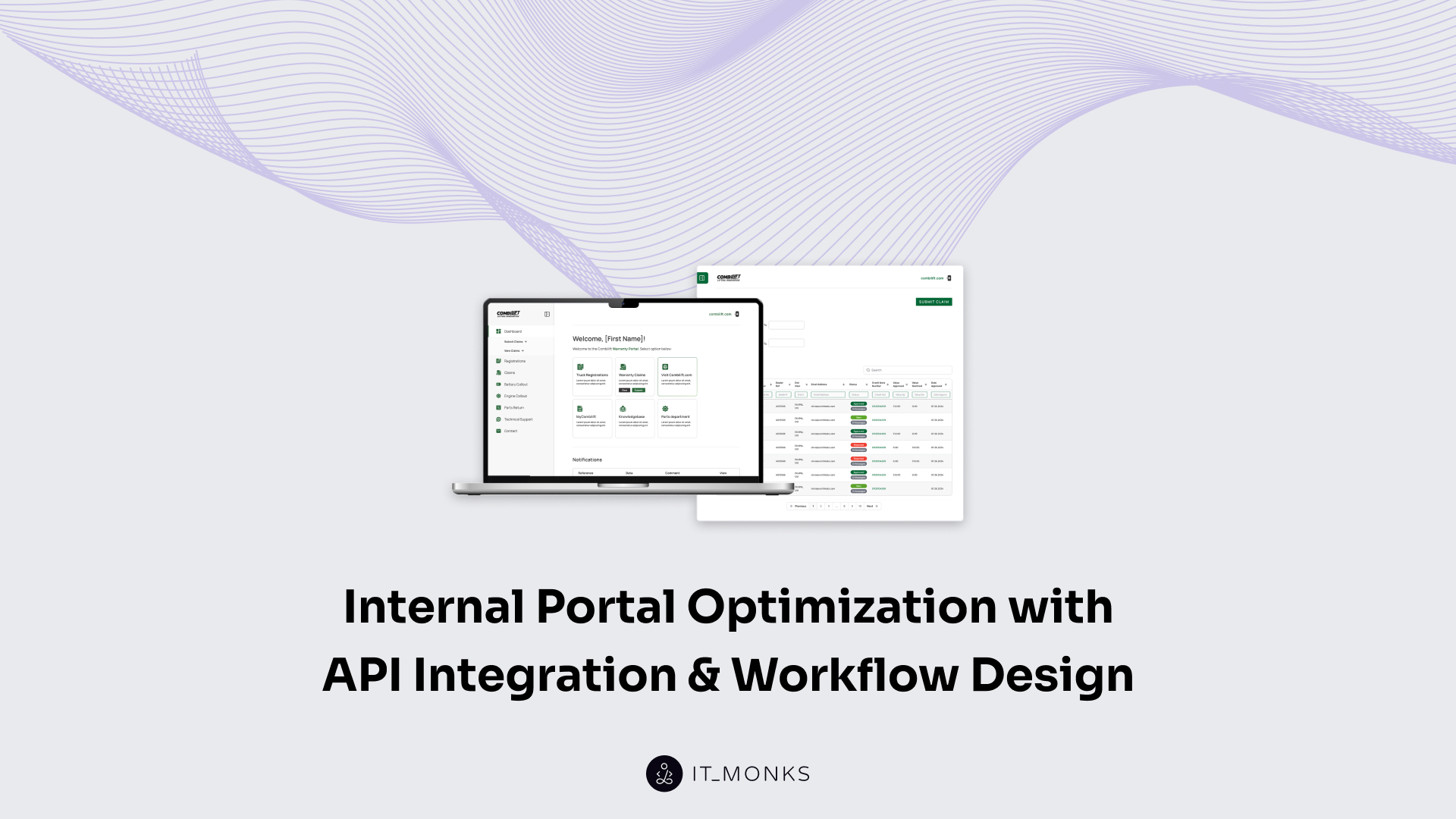
There’s a point where internal systems in day-to-day operations still “work,” but something feels off. This Combilift case study walks through a similar situation and how restructuring workflows and API integrations helped resolve it.
You don’t notice the problem all at once. It tends to surface through small, repeated moments. Someone asks for an update that should already be visible, a request gets passed along twice before it reaches the right person, and data looks slightly different depending on where you check it.
The company came to us with a request to reduce operational strain in service operations and improve how their portals handle data at scale. Service jobs were still moving through email and disconnected tools, while the Warranty Portal struggled with slow information access and limited real-time visibility.
They already had the key pieces in place: a service workflow, a warranty portal, and an ERP system. Nothing was missing. But the way those pieces interacted caused repeated slowdowns that kept appearing across teams.
Our work focused on two areas:
- Restructuring the service workflow by introducing a centralized portal directly connected to Syteline ERP via API, eliminating the need for manual coordination.
- Reworking the Warranty Portal to support real-time data access through deeper API integration and improving how large datasets are handled.
Here is how we handled it.
Where the Operational Gaps Lived
Once we mapped how information actually moved, the pattern became hard to ignore.
A service request might come in through one channel, be picked up internally, and then be entered again somewhere else so another team can act on it. Updates weren’t delivered on their own; someone had to send them, forward them, or request them. To understand the status of a single job, people often had to check multiple systems and piece the story together themselves.
It wasn’t just about extra steps. The same data showed up in different places, sometimes slightly out of sync, which led to small but frequent clarifications.
On its own, each of these moments felt minor. Together, they created a steady drag on the process.
Service Workflow Optimization with API Integration and ERP-Connected Portals
We started with service operations, mainly because that’s where the process gaps were easiest to spot.
The process itself wasn’t complicated, but it leaned heavily on people to keep things moving. Information didn’t really flow on its own. Emails carried most of the context; updates had to be requested or shared manually; and visibility largely depended on who you asked and whether they had the latest version of the story.
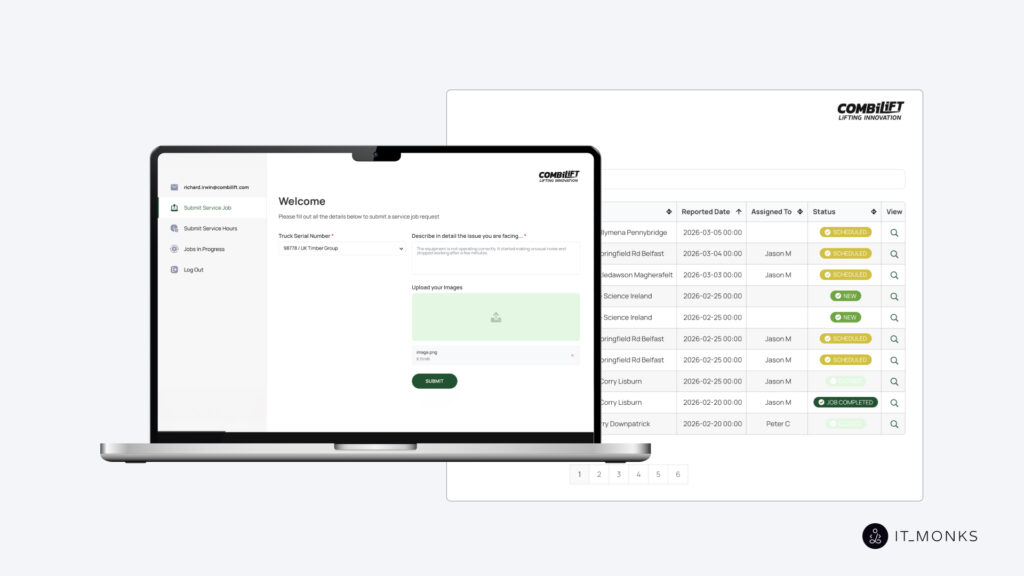
Instead of optimizing isolated steps, we focused on how the full process ran end-to-end, which we cover in more detail in our Combilift service job portal review.
The shift was fairly straightforward in concept. A centralized service portal replaced the scattered touchpoints and was connected directly to Syteline ERP through an API layer. From that point on, the process no longer relied on someone passing information forward. A request comes in, the system routes it, assigns it, and updates its status as things progress.
Engineers work from a single view of their tasks. Internal teams see the same data at the same time. There’s no need to cross-check updates or confirm whether something has changed; the system reflects the current state by default.
What really changed here wasn’t just speed, although that improved as well. It was the removal of guesswork. Instead of asking around to understand where things stand, you can simply look at the system and trust what you see.
Key takeaway:
When workflows depend on people to move information forward, they don’t scale well. The system itself needs to carry that flow.
Warranty Portal Optimization with API Integration
The warranty portal had a different issue. This wasn’t about coordination or missing steps in the process. The system already supported a large number of users and handled a significant volume of records. The problem was how long it took to get to that data. In some cases, retrieving information could take up to 40 seconds, which doesn’t break the system outright but slowly changes how people interact with it.
The solution here wasn’t about adding more functionality. It came down to how the data is delivered and how quickly it becomes usable.
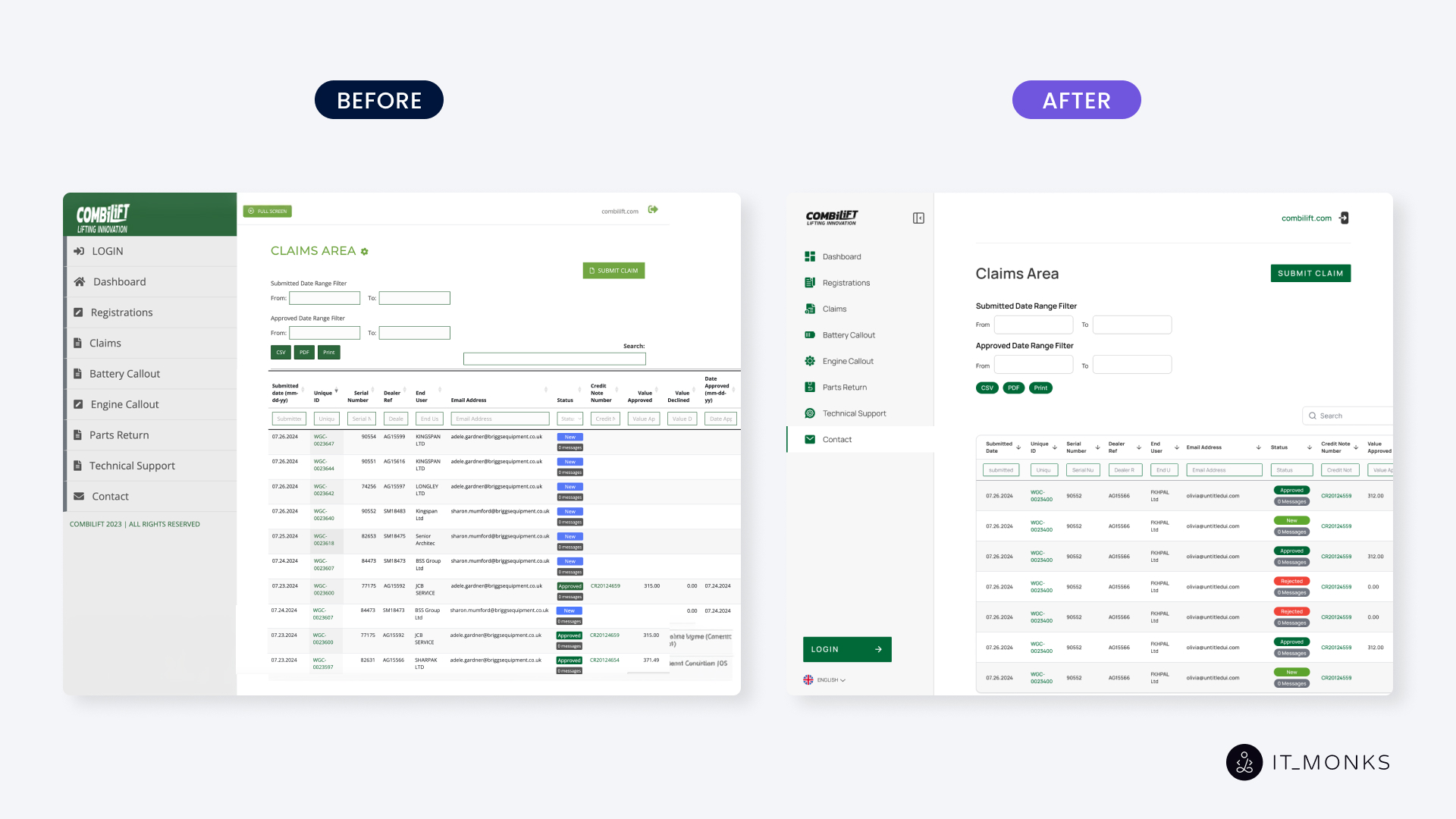
We integrated the external API directly into the Warranty Portal and moved to real-time data retrieval using AJAX. That change alone reduced response times from tens of seconds to one or two. At the same time, the interface was adjusted to handle large datasets more naturally, with filtering and search that respond immediately rather than after a delay.
You can see the difference not just in performance metrics, but in how people use the system. Once the delay disappears, the hesitation disappears with it, and the system becomes something teams actively work in rather than try to bypass.
Key takeaway:
If accessing data takes too long, teams stop relying on the system, even if the data itself is accurate.
What These Two Cases Have in Common
At first, they seemed like different issues. One came from how work was coordinated, the other from how fast data could be accessed.
Looking a bit more closely, both pointed to the same underlying issue: how information moves through the system.
When systems don’t really connect, people end up bridging the gaps themselves. They pass updates along, double-check details, and follow up just to stay aligned. When data takes too long to load, decision-making slows accordingly. Not because people don’t know what to do, but because the information isn’t there when they need it.
Over time, this adds a layer of effort that no one plans for, but everyone feels in day-to-day work.
API integration played a role in both cases, though not as a purely technical upgrade. It shifted how the system behaves. Data moves automatically instead of being carried from one place to another. Updates appear as part of the process, not as something that needs to be requested. Teams work with the same information at the same time, without having to reconcile differences.
That change tends to reduce process inefficiency more than expected, simply because fewer things rely on manual coordination.
A Pattern We Keep Seeing
Most operational slowdowns don’t come from missing tools. It comes from how those tools interact or don’t. Once the flow is adjusted and systems start working as one, much of that extra effort disappears without adding more complexity.
If your internal processes feel heavier than they should, it’s usually a sign that something in the flow needs a second look.
This Combilift case study is a good example of how small, repeated inefficiencies can be resolved by rethinking how systems work together.



Contact
Don't like forms?
Shoot us an email at [email protected]
