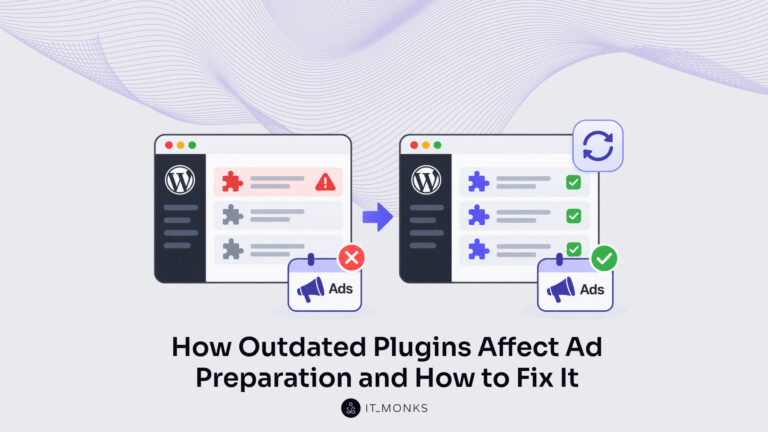
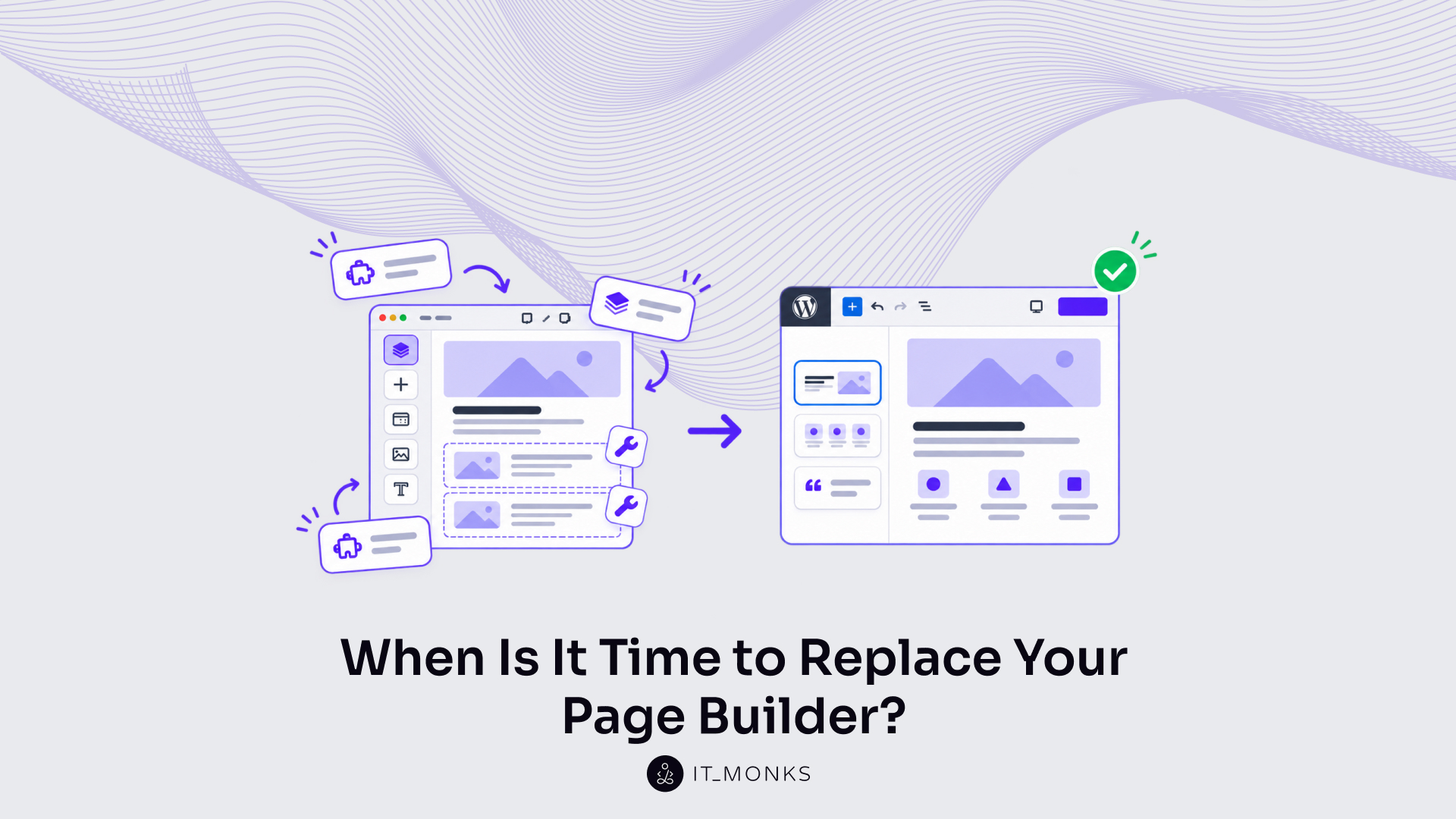
A WordPress page builder lets marketing teams create pages without a developer, but each page is built separately. That is how a page builder normally works, and it is also one of its limitations.
This limitation becomes a problem when marketing teams launch many new pages for campaigns, tests, and ads, when several teams work on those pages, and when add-ons pile up because the built-in features are not enough.
Each fix, whether for speed, a missing feature, or brand consistency, solves a problem on one page. When the team starts spending more and more time on these fixes, it may be time to stop patching the page builder and invest in a custom build with custom code and blocks.
At IT Monks, we’ve seen marketers struggle with these issues on page builder websites, and custom blocks have helped solve them.
Outgrowing your WordPress page builder?
What Is the Limitation of a WordPress Page Builder?
The limitation of a WordPress page builder is that each page is made on its own. What the builder gives is real: marketing makes a page without a developer, and that is true of Elementor, Divi and WPBakery alike. The limit shows in three places: features built again for every page, brand consistency on every new page, and page speed. None of the three is a fault.
Features Built Again for Every Page
A feature or section placed on a new page in a WordPress page builder is built or copied for that page alone, unless it is saved as linked. Linked reuse exists on all three builders, and it is opt-in: a section is linked only when someone saves it that way.
Elementor has global widgets and linked templates. Divi has global items in Divi 4 and components in Divi 5, each only when the section is saved as such. WPBakery keeps synced reuse in Templatera, a paid add-on. Pages already built from copied sections are not converted to linked ones. So when a section copied to many pages changes, we make the change again on each page.
Brand Consistency on Every New Page
Brand consistency on a new page made in a WordPress page builder means that its fonts, buttons, and spacing match the brand styles. The builder has site-wide styles for this: Elementor has global colors and fonts, Divi has presets. Those site-wide styles are the default, and each new element starts from them.
A brand check is needed in two cases: when a custom value on one element replaces the default, and when an element isn’t linked to a global style. We see fonts, buttons and spacing drift from one new builder page to the next. So every new page is checked again for all three before it is published, and that takes time at each launch.
Page Speed
Page speed on a page made in a WordPress page builder is how fast that page loads for a visitor. It depends on hosting, images, add-ons, scripts, and the builder’s code. The builder’s markup and styles are general-purpose code: made for any layout, not for that one page.
Elementor has loaded styles per page since 3.24 (September 2024) and Divi since 2021; WPBakery loads styles more selectively since 9.0 (July 2026). Older installs, sites with the feature turned off and add-ons with their own files still load them everywhere. The builder pages we see still load heavy: the code stays general-purpose, and each page has its own images and scripts. Landing pages with paid traffic are among them. The ad budget sends visitors to those pages, so page speed there is part of the ad results.
Public data shows how sites on each builder score on page speed. It is in the HTTP Archive Core Web Vitals Technology Report, which has, for each technology, the number of tested origins (an origin is one site address) and the number with good Core Web Vitals, Google’s measures of how a page loads and responds for real visitors.
Each share is the second number divided by the first. The comparison set is all WordPress origins, the three builders, and Beaver Builder as one more.
| Technology | Share |
|---|---|
| WordPress | 49.0% |
| Elementor | 37.1% |
| Divi | 42.0% |
| WPBakery | 39.4% |
| Beaver Builder | 53.5% |
Elementor, Divi and WPBakery are each under the share for all WordPress origins, and Beaver Builder is over it. This is a correlation: the shares say how sites on each technology score, not that the builder is the reason.
Which Site Activity Makes the Page Builder Limitation Hurt?
Site activity on a WordPress page builder is how many pages the team launches, how many people build them and how many features are added. The page builder limitation starts to hurt when that activity grows. Site activity includes many new pages, several teams building pages and add-ons piling up.
Many New Pages
A marketing team launches many new pages on a WordPress page builder: for campaigns, for tests and for ads. The page builder limitation is per-page work, and each new page needs all of it: sections built again, the brand check and speed work on its images and scripts. On one page, that work is small. The repeated work grows with every campaign, so launch time grows with it.
Several Teams Building Pages
When several teams or people are building pages on the same site with a WordPress page builder, each builds in their own way. Brand consistency can slip between them, because each member makes a section the way they are used to.
The brand check is then a check of each member’s pages for the same fonts, buttons and spacing. The builder’s role limits reduce this risk to brand consistency when they are set up: a role limit stops an editor from changing the design of a page.
Add-Ons Pile Up
Add-ons for a WordPress page builder are third-party plugins, and each one gives the builder a feature its basic set lacks. When the basic features stop being enough for a team’s campaigns, add-ons pile up. Add-ons sit outside the builder’s own asset loading, the way the builder loads style and script files for a page, so some of them may make pages heavier.
Each add-on also has its own developer, support channel, update cycle, and license, and all of that needs a check before each builder update. We see that this makes the setup harder to hand over to another team: the new team needs to know which add-on gives which feature and who keeps it updated.
Why Does Patching a Page Builder Stop Paying Off?
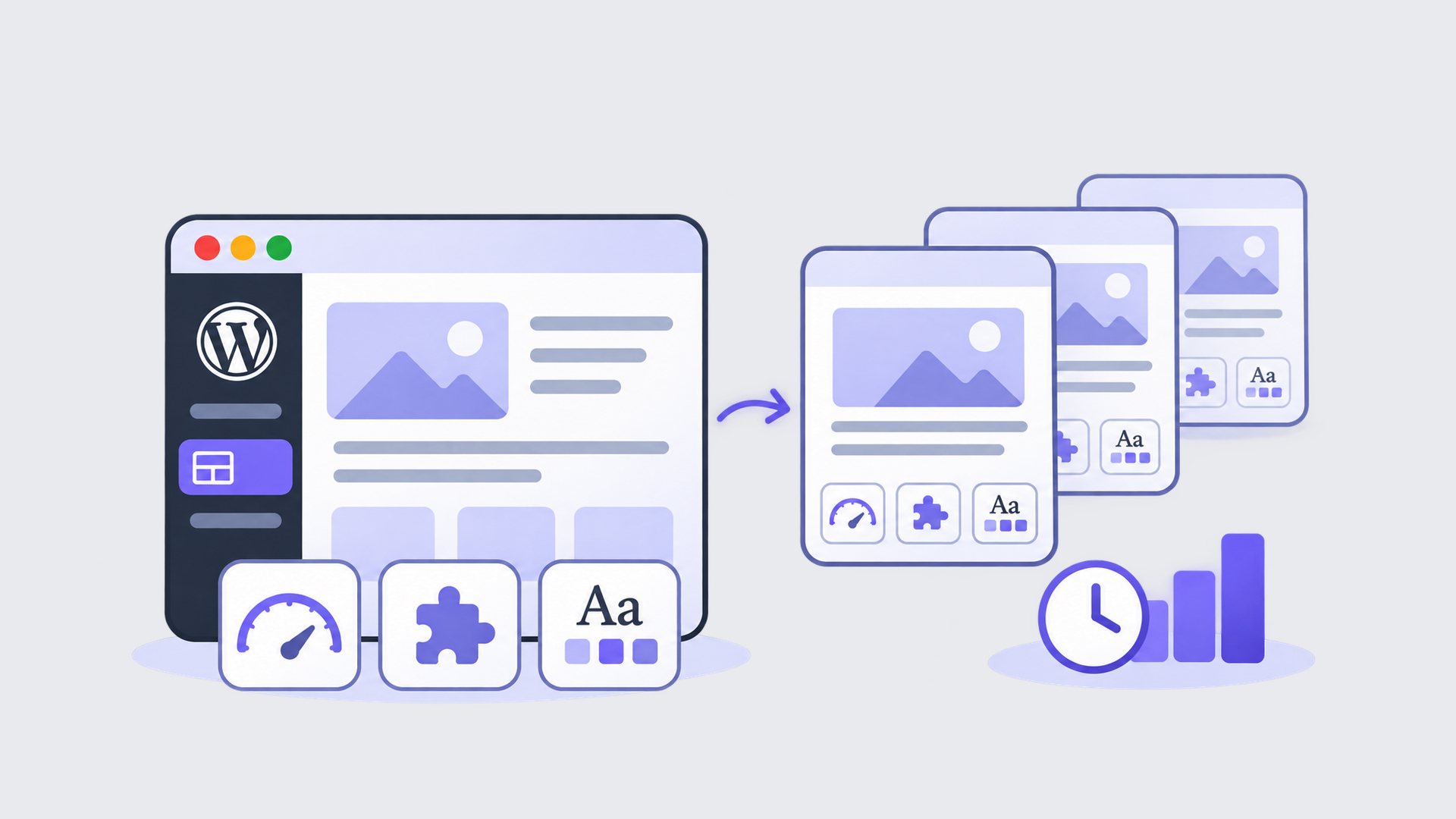
Patching a WordPress page builder is fixing each problem where it appears: a speed fix, one more add-on, a brand clean-up on one page. The fix helps that one page. If the pages of the next campaign are built the same way, that campaign needs the same fixes again. So patching stops paying off because the time on fixes grows with the pages, not because a fix is wrong.
Speed Fix
A speed fix is the work that makes a slow page on a WordPress page builder site load faster. That work is in two parts. Most of it is site-wide and done once: cache, a CDN, hosting, fonts, performance settings and the builder version.
The per-page part is the patching. Images, video, embeds, external scripts and the widgets used are what we fix page by page, and each new campaign page that marketing launches needs that part again.
One More Add-On
One more add-on is the fix when a campaign needs a feature the WordPress page builder’s basic set doesn’t have. The add-on gives the campaign that one feature, and the next missing feature brings the next add-on. What the add-on puts on the page still needs to follow the brand styles.
Brand Clean-Up on One Page
A brand clean-up on one page of a WordPress page builder site is a brand consistency fix: it brings that page’s fonts, buttons and spacing back to the brand styles. The next page that doesn’t pass the brand check needs the same clean-up, and it takes the team’s time again with each campaign.
Tired of patching your page builder?
When Is It Time to Stop Patching a Page Builder?
The time to stop patching a WordPress page builder is when the team spends more and more time on the same fixes. At that point it is time to think about custom code and blocks: to stop fixing the builder page by page and start investing in a custom build. Marketing sees the time on fixes grow in its own work.
More and More Time on Fixes
More and more time on fixes means the share of the team’s time spent on repeated fixes keeps growing from campaign to campaign.
It shows in four places: launch time, brand consistency, page speed and team handovers. A campaign page takes longer to launch. Brand consistency needs one more check on each new page. Page speed is back on the task list with the next campaign, before the ads start. A handover to another team needs a longer explanation of what was fixed and where.
When that time keeps growing, the fixes have stopped paying off.
Planned Redesign
A planned redesign is a good moment to switch from a WordPress page builder to custom code and blocks, since the site’s pages are rebuilt anyway. That is IT Monks’ reasoning, not an industry rule.
A builder stores layouts in its own format, so what stays without it depends on the builder and its version. On Elementor, text and images stay after the builder is deactivated; the layout does not. Divi 4 leaves content wrapped in shortcodes, the builder’s own tags in square brackets, and WPBakery elements are shortcodes too.
For a redesign built on the builder again, the question is “if we leave in two years, what do we rebuild?” For some builders, tools such as “Divi to Blocks,” listed by WordPress.org Data Liberation, convert part of the content, and the layouts they do not map are rebuilt by hand. Every page added on the builder after that redesign is one more page in that later rebuild.
How Do Custom Blocks Solve the Page Builder Limitation?
Custom blocks are sections built in code for the WordPress block editor (Gutenberg), used with patterns, ready arrangements of blocks, and site-wide brand settings. They solve the limitation of a WordPress page builder: the page is built from scratch.
We see marketers on builder sites rebuild the same sections for each page and struggle with brand consistency and page speed; custom blocks are the solution. Each section is built once. Every team works with the same blocks. A block loads styles built for that section, not for any layout. Marketing edits the page without a developer, as it does when publishing content in Gutenberg. The blocks are set up in code during the build, not switched on by default.
Each Section Built Once with the Brand Styles Inside It
In custom WordPress development, each section is built once as a custom block, with the brand styles inside it. The block has its colors, fonts, and spacing in its own code, so a new page starts with them. A change to a block built this way, to the site-wide brand settings or to a synced pattern, which stays linked to its original, shows on every page that uses it, while a copied pattern has no such link and keeps its old version.
Custom colors and font sizes can be switched off, so the block editor offers only the brand presets. Editors can still override a block’s other style settings unless those are restricted too. This answers features built again for every page and the brand check on every new page, the repeated per-page work found in a WordPress setup that slows content production.
Same Blocks for Every Team
Every team builds new pages from the same blocks. The build sets which blocks and patterns each page type offers and which parts of a pattern are locked, the technical side of website content governance.
Without that, the block editor offers every core block, the blocks that are part of WordPress itself, and every pattern, and each team is free to build a page in its own way. With it, a team that opens a new landing page works with the blocks and patterns set for that page type, and so does the next team. This answers brand consistency slipping between several teams.
Blocks Load Only Their Own Styles
A block’s own styles and scripts load only on the pages where that block is used. A page built from a few blocks carries the styles of those blocks, not of every block on the site.
Current versions of a WordPress page builder also load styles more selectively, so the difference is in the code: a custom block’s styles are built for that one section, while a builder’s markup and styles are general-purpose. Not everything loads per block: the site-wide styles (the theme stylesheet and global styles), fonts, tracking scripts and other plugins still load on every page.
Per-block loading helps page speed on the landing pages that receive paid traffic, and how much it helps depends on everything else the page loads.
Marketing Edits Content Without a Developer
Marketing still edits content, images, page order, and CTAs without a developer. The block editor helps here: since WordPress 7.0, released in May 2026, a copied (unsynced) pattern opens with only its content editable, text and images, according to Make WordPress Core. Neither this default nor the locked parts of a pattern is a fixed restriction: an editor can still unlock them and open the full pattern with “Edit pattern”.
Need a custom WordPress build?
What Does a Custom Build Cost After a Page Builder?
A custom build costs time and budget, because developers build the custom blocks before the first page is made from them.
The cost does not end at launch either. A new type of section, one with new behavior, new fields, or a new design, needs a developer. A new arrangement of existing blocks does not: an editor saves it as a pattern, and no code is written.
The blocks also need documentation when the site is handed over. We document what each block is for and which fields it has, since the next team works from that description, not from memory.
When Is Staying on the Page Builder Reasonable?
Staying on the WordPress page builder is reasonable for a startup, a short-lived project or a site with few pages. In our view, with few pages there is little repeated work, so the fixes stay rare. Which setup a company of each size needs is the subject of WordPress setup by business size.
A site started on Elementor 4 has a further reason to stay: its classes, variables and, with Elementor Pro, components are site-wide tools, so less work is repeated per page. The tools apply only to Atomic elements, those of version 4 itself, so an earlier site has them only after its pages are rebuilt with these elements.
For all of these sites, while the time on fixes is not growing, the time to stop patching has not come.