- Expertise
Expertise That Drives Results
Explore our specialized services, tailored solutions, and industry expertise to elevate your digital presence. From custom WordPress development to seamless integrations, we build high-performing websites that deliver impact.
Solutions- Booking System Integrations
- Headless & REST API WordPress
- Hubspot Integration
- Enterprise WordPress
- Website Migration
- Internal Collaboration Platforms
- External Communications Hubs
- Work
- About
- Proof
- Contact
Learn more


How to Scale a WordPress MVP After Launch

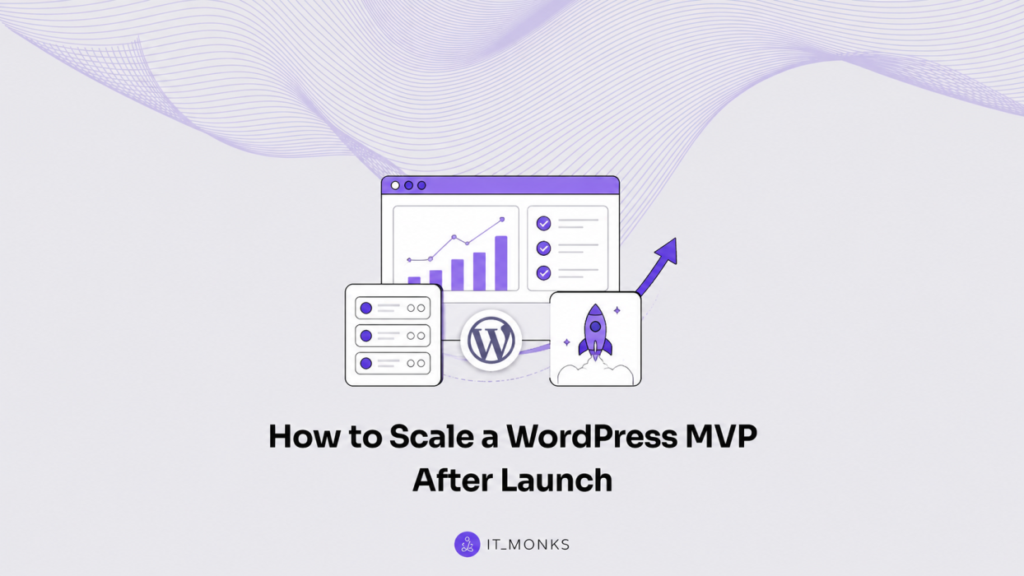
Scaling a WordPress MVP after launch is the post-deploy process of expanding a just-launched WordPress MVP from a working live product into a system that keeps handling real demand as usage grows. The launched product has real traffic patterns, real content churn, real plugin and theme behavior, and a launch stack that was sufficient for initial release.
This phase begins after launch and after the pre-launch build phase, when the live MVP is already serving users and every change has to protect uptime and correctness.
The scaling sequence for a launched WordPress MVP follows the order the live product experiences pressure: traffic growth shows up first, then load growth reveals bottlenecks, then hardening reduces failure risk, then performance tuning removes avoidable work, then caching absorbs repeated requests, then moving off the stack separates responsibilities and lifts constraints, until the end state resembles an enterprise-grade build in durability and throughput.
The forward motion is driven by what the live MVP is doing in production, so each step sets up the next without skipping ahead into architecture for its own sake.
Traffic Growth on a Live WordPress MVP
Traffic growth on a live WordPress MVP is the rising visitor demand the product takes on once it is launched and discovered by real users. The earliest demand a launched product feels comes from arrivals, not from the work the server performs to answer them: traffic growth is measured in visitor demand, the volume of people and requests reaching the front-end serving path.
A live WordPress MVP scales by handling this visitor demand at the edge before any deeper change, so the front-end serving path absorbs the climb in arrivals without re-architecting the product underneath it.
Handling traffic growth on a live WordPress MVP runs through an ordered set of moves, each one keeping the live product itself unchanged while it absorbs more visitor demand:
- Read the rising visitor demand. The live MVP first measures where visitors land, which pages draw the most arrivals, and how that demand changes across the day, so the load pattern is known before any serving change is made.
- Add a content delivery network and edge delivery. A content delivery network serves cached and static responses from edge locations close to each visitor, so the front-end serving path answers the bulk of visitor demand without reaching the origin server for every request.
- Right-size the front-end serving path. The live MVP trims what the front-end ships per visit, serves static assets and cached pages first, and reserves origin work for the requests that need it, so the serving path scales with visitor demand instead of buckling under it.
Visitor traffic and server load remain separate concerns on a live WordPress MVP. Traffic growth is the count of arrivals at the front-end serving path; the work those arrivals create deeper in the stack is a different pressure handled by a different move. Absorbing that demand at the edge keeps the live product serving cleanly while arrivals climb, and it leaves the product itself untouched. The arrivals the edge absorbs still pass work back to the origin, and that work becomes the server and request load the live MVP scales next.
Server Load Growth on a Live WordPress MVP
Server load growth on a live WordPress MVP is the rising server, database, and request demand the product carries once visitor traffic reaches the origin and asks it to do real work. Where traffic counted arrivals, load measures what those arrivals set in motion: the database queries run, the PHP workers occupied, and the requests held open while the server answers.
A live WordPress MVP scales by handling this load at the data layer and the request layer, so the existing stack does more useful work per request before any deeper change.
Handling server load growth on a live WordPress MVP runs through an ordered set of moves, each one taken inside the existing stack:
- Profile the slow queries. The live MVP first monitors which database queries run slowest and which requests hold workers longest, so the heaviest load is found before any capacity is added.
- Add object caching at the data layer. Object caching at the data layer stores the results of expensive database queries so repeated requests read a cached result instead of re-running the query, which lifts the most common load off the database.
- Scale database and PHP worker capacity. The live MVP raises the database and PHP worker capacity available to the existing stack so more concurrent requests are served at once, matching processing capacity to the load that visitor traffic now produces.
Handling server load growth this way stabilizes the existing stack, yet it does so only up to a point. Object caching, query profiling, and added capacity make the launch stack carry more load, but they tune the same architecture rather than change it, and a live WordPress MVP that keeps climbing eventually loads that architecture past what tuning alone can hold.
The launch stack stays stable only while the demand it answers stays within reach of those tuning levers. Once the load runs consistently high, the live MVP scales next by hardening the architecture itself so it withstands the heavier, sustained demand rather than merely absorbing each spike.
Architecture Hardening for the WordPress MVP
Architecture hardening strengthens the launched WordPress MVP’s architecture so it withstands the higher load that rising traffic and server demand have already exposed. Once traffic and load have been absorbed, the stack itself becomes the thing that needs reinforcing.
The MVP’s architecture consists of the database, the application layer that runs the WordPress code, and the hosting that serves both. Hardening that architecture means making each part hold under load that the launch-day stack was never sized for.
The hardening moves apply to the current stack in a deliberate order, each one strengthening a part that the growth pressure has stressed:
- Separate the database tier from the application tier so the database server and the WordPress application server scale independently rather than competing for the same machine’s resources.
- Add a managed, scalable hosting layer so the application tier can grow capacity as load rises, without re-provisioning the server by hand every time demand climbs.
- Introduce redundancy across the tiers so a single failed component does not take the live product down while it carries real traffic.
- Add a staging-to-production pipeline so every architecture change is configured and verified on a staging copy before it reaches the live MVP.
Each of these moves hardens the existing stack. None of them changes the stack. Separating the tiers, adding a scalable hosting layer, configuring redundancy, and routing changes through staging all strengthen the architecture the MVP already runs on, and they leave the question of moving to a different architecture for later. A founder hardens the launch stack first because it is the cheapest, fastest way to add capacity, and because a re-platform decision should follow exhaustion of the current stack, not precede it.
A hardened architecture is the foundation the optimisation work rests on. With the database and application tiers separated, the hosting layer scaling, redundancy in place, and changes flowing through staging, the scaling WordPress MVP gains a stable base that holds under load. That stable base is what lets performance tuning and caching do their work without the architecture shifting underneath them, which is where the live product turns next.
Performance on the Scaling WordPress MVP
Performance on the scaling WordPress MVP is keeping response times low as traffic and server load rise on the now-hardened stack. With the architecture holding steady, the work the stack does per request becomes the next thing to tune: how fast the database returns a query, how quickly the application assembles a page, and how efficiently the browser receives and renders what the server sends. Tuning performance removes the per-request bottlenecks that a hardened but unoptimized stack still carries.
The optimization moves apply to the live product in order, each one removing a source of slowness that growth has made visible:
- Eliminate slow queries by profiling the database calls each page makes and rewriting or indexing the ones that take the longest, so the application tier waits less on the data layer.
- Optimise assets and images by compressing, resizing, and serving them in efficient formats, so the bytes the server sends per page drop without the page losing fidelity.
- Add a persistent object cache so repeated database results are held in memory rather than recomputed on every request, cutting the work the application tier repeats.
- Lazy-load non-critical resources so the browser fetches only what the initial view needs, profiling the critical render path and deferring everything below it.
Faster queries, lighter assets, and a shorter render path all attack the same target: the cost of a single request. That is one half of holding performance under growth. The other half does not make each request cheaper at all. It serves the request from a store the stack has already built, so the work never runs a second time. That second half is caching, the move that follows, and the two halves act on different points of the same goal.
Performance tuning keeps the hardened stack fast as load climbs. With slow queries eliminated, assets optimized, an object cache holding repeated results, and the render path profiled, the scaling WordPress MVP answers each request with less work than the launch-day stack required. Reducing per-request work, though, only addresses requests the stack still has to compute. The requests it has already answered are handled by the move that completes the in-place optimisation of the live product.
Caching on the Live WordPress MVP
Caching on the live WordPress MVP is serving repeat requests without re-hitting the stack as traffic and server load rise. Where performance tuning shrinks the cost of a request the stack still has to run, caching removes the request from the stack’s path entirely: it stores responses the product has already produced so that identical later requests are answered from the store rather than recomputed.
The MVP serves cached responses from layers that sit in front of the stack and the database, so a request served once can be served again without the application tier rebuilding the page or the data layer running the query a second time. Caching keeps the stack idle for work it has already done.
The caching layers apply to the live product from the page down to the browser, each one storing a different unit of the response:
- Page caching stores the fully assembled page so a repeat request for the same URL is served as static output, skipping the application tier entirely.
- Object caching stores the results of database queries and computed values so the application tier reuses them across requests rather than recomputing each time.
- A content-delivery-network or edge cache stores responses at locations close to the visitor, so repeat requests are served from the edge rather than travelling back to the origin stack.
- Cache-control headers instruct the browser to store and reuse assets locally, so a returning visitor’s browser serves the assets it already holds rather than requesting them again.
Each layer holds a different unit of the response, but they share one effect: the second request never reaches the stack. Page caches return the whole page, object caches return reused query results, edge caches return responses from a nearby location, and browser headers return assets the visitor already stored. Together they finish the in-place optimisation that performance tuning began, the one cutting what each computed request costs and the other erasing the computed request altogether.
The growth absorption, the hardening, and the in-place optimisation together push the launch stack toward its ceiling. Handling rising traffic, taking on server load, reinforcing the architecture, tuning performance, and adding caching all extract more capacity from the stack the WordPress MVP launched on. Each one buys headroom, and each is the right first response to growth.
There is, however, a point at which a hardened, fully optimised launch stack stops returning more capacity for more effort, and the scaling decision turns from extracting more from the current stack to deciding whether the product has outgrown it.
Moving Off the WordPress MVP Launch Stack
Moving off the launch stack is the decision of when and how the launched WordPress MVP leaves the stack it launched on, taken once the in-place scaling moves reach their ceiling. This is a decision point, not another tuning move, because the work of absorbing growth, hardening the architecture, and optimising performance and caching has already drawn out the capacity the current stack holds.
The launch stack ceiling is the point at which hardening and optimising the existing architecture stops returning meaningful additional capacity, and the MVP stack the product launched on can carry no more growth without a different architecture underneath it.
The decision rests on a small set of signals that the launch stack has reached that ceiling:
- A sustained ceiling on response times or capacity that persists despite the hardening and optimisation moves, so further tuning of the current stack yields little.
- The cost of the current stack rising faster than the capacity it returns, where each additional unit of growth on the launch stack costs more than it is worth.
- The rigidity of the current stack, where the launch architecture cannot accommodate the structure the product now needs, regardless of how much capacity is added to it.
When these signals hold together and persist, the decision shifts from extracting more from the launch stack to weighing the next architecture. That decision gates two upper-end levers handled as the forward options. The first is re-platforming the scaled product onto a different stack architecture. The second is growing the product into an enterprise-grade build. Both are downstream moves that the move-off decision opens, and both belong to the question of what the product becomes after it leaves the launch stack, not to the in-place moves that came before.
The live WordPress MVP has, by this point, taken every move the launch stack offers: it has absorbed rising traffic and server load, hardened its architecture, and optimised performance and caching.
Reaching the launch stack ceiling is the signal that the forward execution of scaling now turns from tuning the current stack to choosing the next one. The first of the two upper-end levers the decision opens is re-platforming the scaled MVP onto a decoupled, headless architecture built for the growth the launch stack can no longer carry.
Re-Platforming the Scaled MVP onto a Headless WordPress Stack
Re-platforming the scaled MVP onto a headless WordPress stack is one upper-end scaling move, the first to weigh once the launch stack has reached its ceiling despite hardening and optimisation. The move operates on a product that is already built and already scaled, so it is a re-platforming decision rather than a fresh build.
The scaled MVP separates its presentation layer from its content layer and runs that front-end as an independent application, while WordPress remains the editing and content store behind it. A decoupled front-end is what distinguishes this lever from the in-place moves that came before: instead of strengthening the existing stack, the move changes the shape of the stack the product runs on.
The lever fits a narrow situation. The scaled MVP has hit a sustained ceiling on its launch stack, the in-place hardening and caching no longer buy meaningful headroom, and the product now needs a front-end that scales and changes independently of the WordPress backend. At that point the decoupled front-end becomes a deliberate scaling choice, not a default. The move off the coupled stack onto a headless WordPress stack is the structural shift that the earlier moves only postpone.
The full definition of a decoupled architecture, its components, and the trade-offs it carries form a separate topic from the scaling decision itself. The architecture and benefits of headless WordPress carry that depth. The re-platforming move stays a scaling lever the scaled MVP reaches for, with the architecture depth handed off to that source, and the decision to scale through re-platforming hands directly to the other upper-end option, growing the product into an enterprise-grade build.
Growing the MVP into an Enterprise-Grade WordPress Build
Growing the MVP into an enterprise-grade WordPress build is the end-state scaling move, the upper bound of the path once the product outgrows the MVP designation entirely. Where re-platforming changes the front-end architecture, growing into an enterprise-grade build changes the operating posture around the whole product.
The MVP becomes a managed, supported, capacity-planned WordPress build rather than a lean launch artifact. This is the move that leaves the original MVP stack behind for good, in contrast to the in-place moves that kept stretching it.
The end state has a recognisable shape. The product runs on an enterprise hosting tier with provisioned capacity, a defined service-level agreement governing uptime and response, and a dedicated team owning maintenance, monitoring, and release. The hosting tier the scaled MVP grew through becomes a permanent layer of the build rather than a temporary fix, and the configuration the product carries hardens into a standing operational baseline. The build that results is no longer recognisable as a minimum-viable product.
Whether and why WordPress fits an enterprise content-management mandate is a separate question with its own answer. The suitability of enterprise WordPress handles that depth. The end-state build remains a scaling move, the destination the path reaches rather than an argument to settle. Both upper-end levers, re-platforming and the enterprise-grade build, rest on decisions the product already made earlier in its life.
Scaling Decisions and the Earlier MVP Precedents
The post-launch scaling decisions rest on two earlier MVP precedents that were already settled before the product launched. The scaling path assumes those precedents rather than re-opening them, which keeps the work a forward execution sequence rather than a re-litigation of choices made upstream. Both precedents trace back to the period before the live product existed, and both shaped the stack the scaling moves now operate on.
The first precedent is the tool-fit decision: that WordPress was the right platform to carry the MVP in the first place. The scaling path treats that question as closed, because a product cannot reach the post-launch scaling phase without first having committed to a platform. The reasoning behind selecting WordPress for an early-stage product, and the trade-offs that decision carried, sit in the case for why use WordPress for an MVP. The scaling moves point back to that decision as a settled premise, not a thread to re-argue.
The second precedent is the build-route the scaled product was constructed on. A decoupled build shapes which scaling levers are even available later, so the route taken before launch conditions the moves taken after it. The construction sequence for a decoupled product, from backend configuration through front-end wiring to deployment, sits in the steps to build a product MVP on headless WordPress. The scaling path references that route as the foundation the live product stands on, without re-walking the build. With both precedents settled and the forward sequence complete, a launched WordPress MVP scales from its first traffic pressure through to its enterprise-grade end state along a single ordered path.
More Articles by Topic
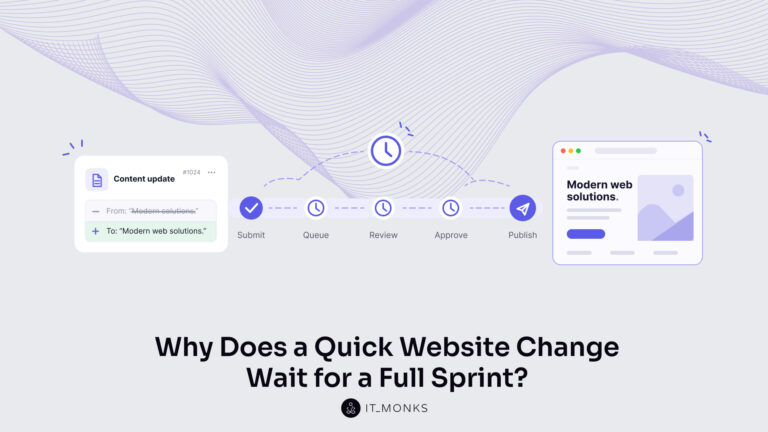
The new campaign copy is approved. The ads go live on Monday, and the landing page they point to still…
Learn more 
Imagine a marketing team two days before a campaign launch. The copy is approved, the images are ready, and the…
Learn more 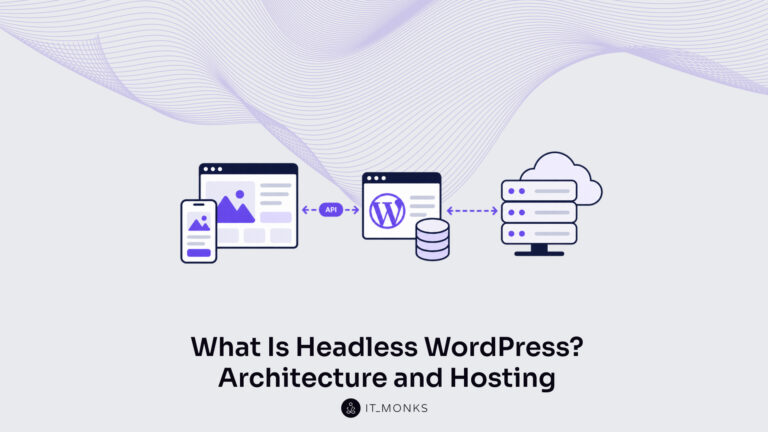
Headless WordPress is WordPress used as a content store and editorial interface only, with the public site rendered by a…
Learn more Contact
Feel free to reach out! We are excited to begin our collaboration!
Don't like forms?
Shoot us an email at info@itmonks.com
Don't like forms?
Shoot us an email at info@itmonks.com

CEO, Strategic Advisor
Reviewed on Clutch
 ChatGPT
  Claude
  Grok
Grok  Gemini
 Send a Project Brief
Fill out and send a form. Our Advisor Team will contact you promptly!