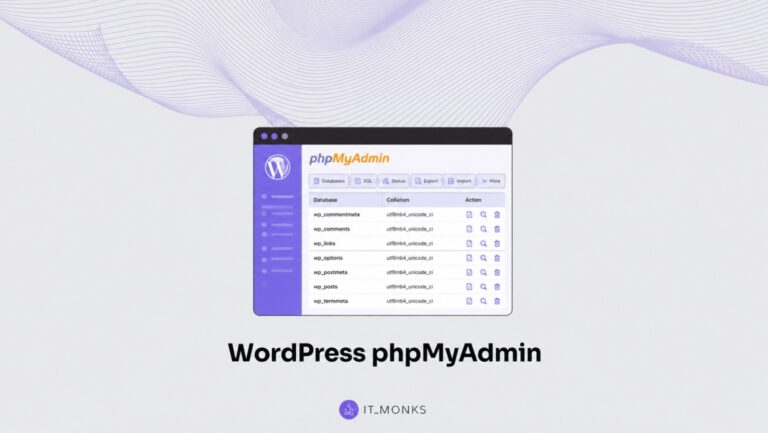
WordPress phpMyAdmin Guide
phpMyAdmin is the browser-based tool for viewing and changing the WordPress database. Learn how to access it, install it locally or via a plugin, and read the wp_ tables.
Blog
Build powerful, high-performing WordPress websites with expert coding tips, custom development techniques, and best practices. Learn how to extend WordPress functionality like a pro.
phpMyAdmin is the browser-based tool for viewing and changing the WordPress database. Learn how to access it, install it locally or via a plugin, and read the wp_ tables.
MariaDB and MySQL are the two relational database engines a WordPress site can run on, and the database engine choice affects how the site stores and retrieves content. The MariaDB vs MySQL decision usually comes down to performance, compatibility, licensing, and feature differences rather than a simple “newer versus older” split. This comparison explains where the two […]
See which WordPress versions run on which PHP versions, from the minimum to the supported range and PHP 8.0-8.3. Plus a WordPress PHP compatibility checker.
A WordPress pre-launch QA checklist is the final verification pass an already-built site runs through before launch. It is the structured set of checks a site owner or developer works through on the staging site to confirm that nothing built during development behaves differently in front of real visitors. The checklist does not build the […]
Getting WordPress support is what you do when a site stops functioning properly: a plugin breaks the checkout, a theme update half-renders the homepage, a white screen replaces the login. You notice the problem, reproduce it, decide who is best placed to help, compose the request, and wait for an answer that fits. By saying […]
WordPress 7.0 is the next major WordPress release, the version every site owner and developer must now plan around. It moves the platform floor and adds a capability that the prior line lacked. Hence, it lands differently for the two audiences: site owners inherit a changed admin and editor day-to-day; developers, a changed baseline to […]
A WordPress migration checklist helps you migrate a self-hosted WordPress (.org) site by clearly sequencing the pre-migration, migration-day, and post-migration phases to ensure operational continuity. This procedural checklist covers the full migration process for site owners, agency project managers, freelance developers, and in-house teams handling a host change, domain move, environment transition, or a combined […]
All websites that require user accounts, serve dynamic pages, or conduct any sort of transactions depend on some system for storing and organizing structured data according to known patterns and retrieving it when requested. MySQL solves this problem for a large portion of the internet through serving as the database engine for websites using WordPress, […]
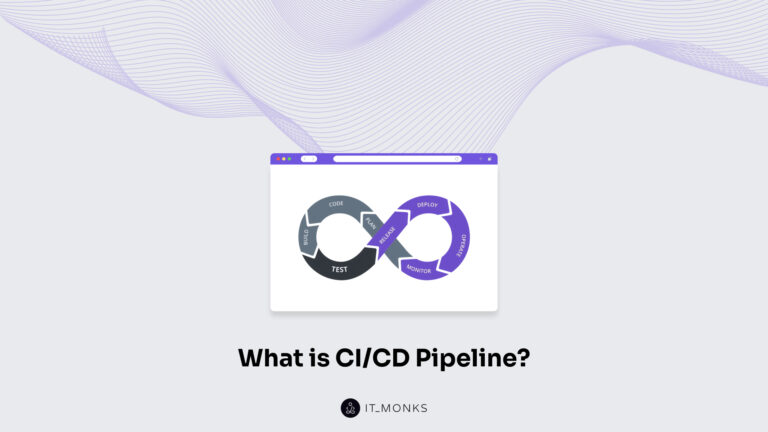
CI/CD is a software delivery practice, and a CI/CD pipeline is the automated workflow that runs from commit to deploy, carrying that practice into real execution. The CI/CD pipeline automates the release workflow in software delivery, replacing manual, error-prone steps with a consistent process that builds, tests, and deploys code directly from source control. When […]